
Best Free Flashcard Creator for Students in 2026
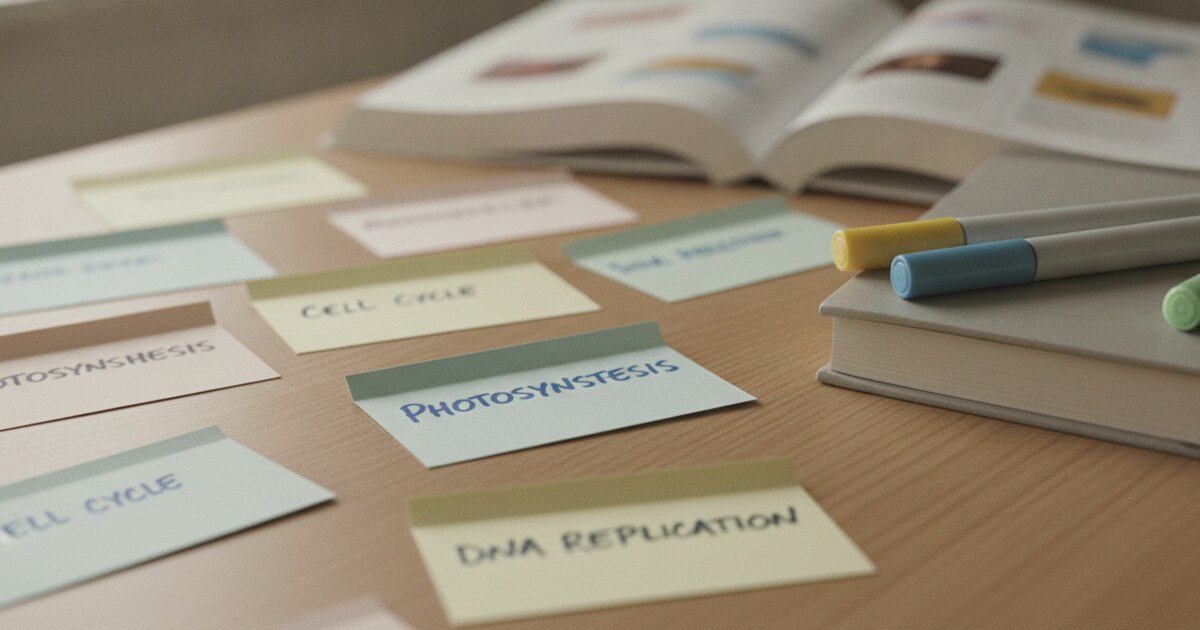
Best Free Flashcard Creator for Students in 2026
Most students build flashcards the same way: type a term, type a definition, repeat until the deck is done. For a 40-card anatomy set, that's an hour of setup before any studying begins. A good flashcard creator cuts that time considerably, either by generating cards from your notes automatically or pulling them from a PDF you already have.
This guide covers the best free flashcard creator tools available in 2026, what separates the useful ones from the frustrating ones, and how to write cards that actually get remembered.
The best free flashcard creator depends on where your study content lives. For lecture recordings and audio notes, NoteHive AI auto-generates flashcards with no manual setup. For typed notes or Quizlet imports, Knowt is free with built-in spaced repetition. Both run in any browser with no credit card required. If you study offline or need a more precise spaced repetition algorithm, Flashcards.world is the pick.
What to Look for in a Flashcard Creator
Not every flashcard tool earns the time it takes to learn it. Four things separate the ones worth using from the ones you'll abandon after a week.
AI card generation matters if you want to skip the typing phase. The better tools today take a PDF, a block of pasted notes, or even an audio recording and return a study-ready deck in under a minute. Manual creation is fine for 10 cards. For a full semester's worth of material, AI generation is the only practical option.
Study modes determine how well you actually remember what you make. Spaced repetition is the most evidence-backed method: the algorithm tracks which cards you answer correctly and spaces out reviews accordingly, showing harder cards more often. A flashcard tool without spaced repetition is just a digital index card box. You're still doing all the scheduling yourself.
Free tier limits are rarely advertised prominently. Some tools give you 5 free card sets total. Others cap uploads at 5 pages. Others lock spaced repetition behind a paywall and only let you flip cards manually on the free plan. Know the limits before investing time building decks.
Import and export options determine whether your cards are portable. If you ever want to move your decks to Anki, share sets with a study group, or switch apps, export to CSV or Anki format means your work isn't stranded.
Flashcards work because of two well-documented mechanisms: spaced repetition and active recall. Ebbinghaus's forgetting curve, first published in 1885, showed that we forget roughly 70% of new information within 24 hours without any review. Spaced repetition algorithms counter this by scheduling reviews at increasing intervals, right before forgetting would otherwise occur. Cepeda et al. (2006) found that spaced practice improves long-term retention by 200-400% compared to massed study sessions. Active recall, the act of retrieving information from memory rather than re-reading it, adds another layer: Roediger and Karpicke (2006) found retrieval practice outperformed re-reading by roughly 50% on tests one week later. Together, these two effects make flashcards one of the most evidence-backed study methods available, provided the cards are reviewed consistently and not just created once and left alone. A flashcard creator that builds spaced repetition into the review flow delivers both effects automatically.
Best Free Flashcard Creator Tools in 2026
1. NoteHive AI: Best for Lecture-Based Studying
NoteHive AI takes a different starting point than most flashcard creators. Instead of pasting notes into a text box, you start with a recording. Record a lecture directly in the app, or upload an existing audio or video file, and NoteHive generates organized notes and a ready-to-study flashcard deck automatically. The flashcards trace back to the notes, so you can check context for any card you blank on.
The full pipeline goes: record a lecture, get AI-generated notes, then get flashcards and a practice quiz built from those notes, plus an audio podcast version for studying during a commute. For students who capture material as audio first, that flow removes the manual bottleneck entirely.
NoteHive supports 80+ languages, which covers most university courses and foreign language classes. The free tier lets you try core features at notehive.app with no credit card required.
Best for: Students who record lectures or upload class audio and want a full study set (notes, flashcards, quiz) generated without manual work. For more on the AI generation process, see how to auto-generate flashcards from lectures.
2. Knowt: Best Free Alternative to Quizlet
Knowt is built explicitly as a free Quizlet alternative. Its AI generates flashcard decks from lecture notes, PDFs, PowerPoints, and images. Over 3 million students and teachers use the platform, and the community has created more than 320 million flashcards across shared sets.
The platform includes Learn mode, a practice test generator, spaced repetition, and a matching game. Students already on Quizlet can import their existing sets directly, which makes switching practical rather than painful. A Chrome extension lets you clip content from web pages straight into a new deck.
Best for: Students who start with typed notes or who want Quizlet-compatible spaced repetition at no cost.
3. Flashcards.world: Best for Offline Studying
Flashcards.world uses the FSRS (Free Spaced Repetition Scheduler) algorithm, which is more adaptive than older SM-2 implementations. The app works offline, syncs across devices when connected, and the web version is completely ad-free. The platform hosts over 100,000 pre-made sets.
No account is required to start. You can build a deck on the web, pull it up on your phone offline during a commute, and export to Anki or import from Quizlet and CSV files. The app has 7 million+ downloads and averages 4.8 stars.
Best for: Students who study on the go without reliable internet, or anyone who wants a more precise spaced repetition algorithm than most free tools offer.
4. Revisely: Best for Handwritten Notes and PDFs
Revisely converts images, handwritten notes, PDFs, and PowerPoints into flashcard decks. The handwriting recognition sets it apart from tools that require typed or digital input. Free accounts process up to 5 pages per document with a 25,000-character text limit. Paid plans start at €3.99/month (billed annually) and raise both limits substantially.
Cards can be printed or exported to Anki. The platform includes an exam mode with personalized feedback for each card.
Best for: Students with handwritten notes who want to photograph a notebook page and turn it into a study deck.
How to Write Flashcards That Actually Stick
The tool matters less than the cards you put into it. A well-built deck reviewed consistently outperforms a perfect algorithm applied to vague, overloaded cards.
One concept per card. "Explain the Krebs cycle" is a bad card. "What molecule enters the Krebs cycle at the first step?" is a good one. Smaller cards review faster and fail more precisely, so spaced repetition can target exactly what you don't know.
Use your own words. Copying textbook definitions verbatim means you're recognizing phrasing rather than understanding the concept. Rewrite definitions in plain language before adding them to a deck. If you can't rephrase it, that's useful information about what you don't understand yet.
Add distinguishing notes to easily confused terms. "Mitosis (growth/repair) — not meiosis (reproduction)" only works if you use a format that doesn't confuse the tools. Better: "Mitosis: cell division for growth and repair (compare: meiosis for reproduction)." Brief context prevents the frustrating wrong-association guesses that waste review time.
Keep the review schedule. New cards should be reviewed the same day they're created, then after one day, three days, one week, and extending from there. Most spaced repetition tools automate this scheduling once you rate each card honestly. Skipping sessions or marking cards correct when you guessed are the only ways to break the system.
For a deeper look at how flashcards compare to other study approaches, see flashcards vs notes: which study method is more effective.
Can AI Create Flashcards for You?
Yes, and the quality has improved enough to be genuinely useful. The best AI flashcard creators in 2026 take a 20-page PDF and return a 40-card deck covering the main terms and concepts in under 60 seconds. They're not perfect at distinguishing what's testable from what's background context, but as a first draft they save substantial time.
ChatGPT can generate flashcards from pasted text, but it outputs plain text you'd have to manually copy into a separate app. Purpose-built tools like NoteHive and Knowt handle the full workflow: input → AI card generation → spaced repetition review, without the extra steps.
Google Docs and Google Slides don't have a built-in flashcard creator. Google Forms can approximate a quiz, but it has no proper study mode or spaced repetition. There's no dedicated Google flashcard app.
For a full comparison of AI-powered options across more tools, the best AI flashcard maker for students covers additional picks and their AI capabilities in more depth.
Frequently Asked Questions
What is the best free flashcard creator for students?
NoteHive AI is the best choice for students who work from lecture recordings, since it auto-generates notes and flashcards from audio with no manual typing. Knowt is the best free option for students starting from typed notes or switching from Quizlet. Both are free to start with no credit card required.
Can I create flashcards from a PDF for free?
Yes. Knowt, NoteHive AI, and Revisely (free tier: up to 5 pages per document) all support PDF upload. NoteHive also accepts video and audio files, not just documents.
What is the difference between Anki and other flashcard creators?
Anki's FSRS algorithm is among the most precise spaced repetition systems available, and the desktop app is free. The main drawback is the steep setup: you build everything manually or import from CSV and community decks. Tools like Knowt and Flashcards.world offer much easier card creation with comparable spaced repetition for most study needs. Revisely exports directly to Anki format if you want the best of both.
How many flashcards should I make per study session?
20 to 40 new cards per session is the practical ceiling most students can review consistently. Adding more creates a review backlog that compounds quickly. 25 precise, focused cards beat 100 vague ones.
Does NoteHive AI support languages other than English?
Yes. NoteHive supports 80+ languages for transcription and note generation, which covers most university courses and foreign language classes.
If you record your lectures rather than typing notes, NoteHive turns that audio into structured notes, flashcards, and a practice quiz in one pass. Start studying smarter at notehive.app — upload a lecture recording and get your first AI-generated flashcard deck in under 2 minutes.
Ready to transform your study sessions?
Start using NoteHive AI in your browser — turn your lectures into organized notes, flashcards, and quizzes. No download required.