
AI Flashcard Generator: Turn Lectures Into Study Decks
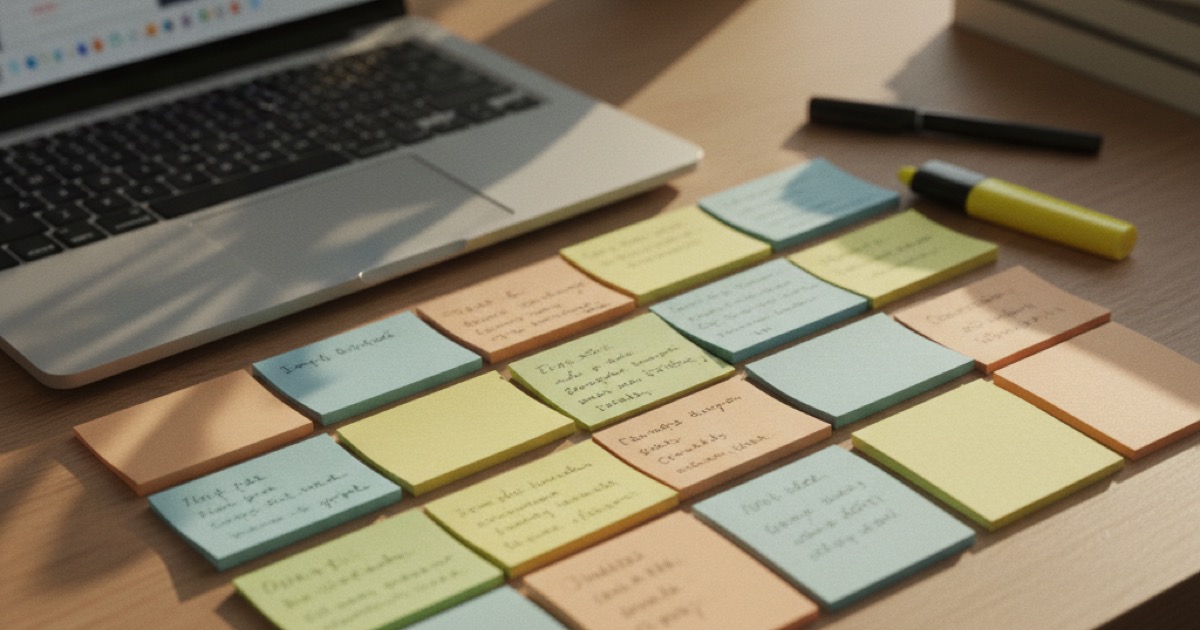
Making flashcards by hand takes forever. You sit down after class, re-read your notes, decide what's important, write out question-answer pairs, and by the time you're done, you've spent more time creating the cards than you would have spent studying with them.
That's why students are switching to AI flashcard generators. You record a class, and the app creates a complete flashcard deck in seconds. No typing, no formatting, no guessing which concepts to include. Most of these tools work entirely online, so there's nothing to install.
An AI flashcard generator takes your lecture recordings, typed notes, or uploaded documents and turns them into question-answer study cards automatically. The AI scans the content, identifies key facts and concepts, then formats them as flashcard pairs. Most generators produce a full deck from a 50-minute lecture in under 90 seconds.
Why Flashcards Work (and Why Students Skip Them)
Flashcards are one of the most effective study techniques, and the science behind them is solid.
Active recall (testing yourself instead of re-reading) strengthens memory more than passive review. A 2013 meta-analysis published in Psychological Science in the Public Interest ranked practice testing as one of the two most effective study strategies out of 10 methods examined.
Spaced repetition (reviewing cards at increasing intervals) builds long-term retention by forcing your brain to retrieve information just before you'd forget it. The combination of active recall and spaced repetition is what makes flashcards so effective for exam prep. Students using flashcard-based study methods score 15 to 20% higher on retention tests compared to those who only re-read their notes, according to multiple studies on retrieval practice.
Despite this, fewer than 30% of students use flashcards regularly, primarily because creating them manually is tedious and time-consuming.
The problem has always been creation time. Writing good flashcards requires you to identify the key concepts, phrase them as questions, and write clear answers. For a single lecture, that's easily 30 to 45 minutes of work.
AI removes that bottleneck entirely.
How an AI Flashcard Generator Works
The process varies by tool, but most follow this pattern:
- Input your material. Record a lecture, upload a PDF or document, or paste text directly into the tool.
- AI processes the content. The tool transcribes audio (if needed), then analyzes the text to find key facts, definitions, relationships, and processes.
- Flashcards are generated. The AI creates question-answer pairs based on what it identified as important.
- You review and edit. Check the cards, remove any that miss the mark, and add anything the AI overlooked.
The quality of output depends on the tool and the source material. Clear, structured lectures produce better flashcards than rambling discussions. Technical courses with defined terminology tend to work especially well.
Most AI flashcard generators run in a browser, so there's no app to install. You upload your material or record directly on the site, and the deck appears in your account within seconds. This makes them easy to use from a library, dorm room, or anywhere you have internet access.
Manual vs AI Flashcards: A Comparison
| Factor | Manual | AI-Generated |
|---|---|---|
| Creation time | 30-45 min per lecture | Under 1 minute |
| Quality control | You decide what's important | AI decides (you edit) |
| Learning from creation | Yes, writing reinforces learning | Less, but reviewing still helps |
| Coverage | Often incomplete (you miss things) | More comprehensive |
| Formatting | Varies by your skill | Consistent structure |
Manual creation has one genuine advantage: the act of writing flashcards is itself a form of studying. You're forced to process the material as you create each card.
But this advantage disappears when the creation process is so tedious that you skip it entirely. AI-generated flashcards that you actually study beat hand-made flashcards that you never finish creating.
One practical advantage of online AI flashcard generators: your decks sync across devices automatically. You're not locked to a single computer or a stack of paper cards that could get lost the week before an exam.
For a deeper look at when notes are better than flashcards (and vice versa), check our flashcards vs notes comparison.
Best AI Flashcard Generators for Students
Here are the tools worth considering:
Anki + ChatGPT. Anki has the best spaced repetition algorithm, but no built-in AI generation. Some students use ChatGPT to generate card content, then import it. It works, but the workflow is clunky (copy, format, import).
Quizlet. Quizlet added an AI generator that creates practice questions from your notes. The flashcard creation is solid, though the free tier has limits. Best for students already in the Quizlet ecosystem.
RemNote. Combines note-taking with automatic flashcard generation. You write notes, and RemNote converts key points into flashcards. The integration is tight, but the learning curve is steeper than most apps.
Mindgrasp. Upload any file or recording, and it generates notes, flashcards, quizzes, and summaries. Flashcard quality is good for factual content. Less effective for conceptual material.
StudyFetch. Records lectures live and creates flashcards alongside notes. Strong for real-time lecture capture.
For a detailed breakdown of each tool's free tier, spaced repetition support, and accuracy by subject, see our best AI flashcard maker for students guide.
The Full Pipeline: From Recording to Ready-to-Study Deck
The fastest approach skips the "upload your notes" step entirely. Instead of writing notes first and then generating flashcards, you record the lecture and let AI do everything.
Here's what that looks like:
- Tap record at the start of class
- The app transcribes the lecture as it happens
- AI generates organized notes from the transcript
- Flashcards are created from those notes automatically
- You review the deck and start studying
One recording becomes a complete study kit, with no intermediate steps or copying between apps.
You can also add quizzes for active recall practice and convert notes to audio for podcast-style review. The more formats you study with, the better you retain the material.
How NoteHive AI Generates Flashcards from Lectures
NoteHive AI handles the full pipeline described above. You record your lecture with one tap, and the app transcribes, generates notes, and creates flashcards automatically.
The flashcards pull from the AI-generated notes, so they cover the key concepts from the lecture without you lifting a finger. You can review and edit the deck, removing any cards that don't match what your professor emphasized.
You can also upload existing material. PDFs, Word documents, and text files all work. The app processes the content and generates flashcards from it just like it does for recorded lectures. This is useful for textbook chapters, lecture slides, or any written material you want to turn into a study deck.
Beyond flashcards, the same recording or file also produces organized notes, practice quizzes, and podcast-style audio. Having all four study formats from a single source means you can switch between methods depending on what works best for each topic.
NoteHive supports 80+ languages for transcription and flashcard generation, which is useful for international students or language courses. The free tier covers recordings and uploaded files with no credit card required. The web app works in any browser at notehive.app.
Tips for Getting Better AI Flashcards
AI-generated flashcards aren't perfect out of the box. Here's how to get more out of them:
Record clearly. The better the audio quality, the better the transcription, and the better the flashcards. Sit within 10 feet of the professor if possible.
Edit ruthlessly. Delete cards that test trivial details. Add cards for concepts your professor specifically said would be on the exam.
Use document uploads for textbooks. Don't limit yourself to recordings. Upload a chapter PDF and generate a deck for the reading assignment. You'll cover more material without any extra work.
Combine with active recall. Don't just flip through the cards passively. Cover the answer, try to recall it, then check. That's where the real learning happens.
Study in short sessions. 15 to 20 minutes of focused flashcard review beats an hour of half-focused cramming. Space your sessions across multiple days for the best retention.
Frequently Asked Questions
How accurate are AI-generated flashcards?
Accuracy depends on the source material and the tool. Clear, structured lectures produce flashcards that are 80 to 90% usable without editing. You should always review and remove cards that miss the mark or test irrelevant details.
Can AI flashcards replace making my own?
For most students, yes. The time saved on creation (30+ minutes per lecture) is better spent actually studying the cards. If you learn a lot from the creation process itself, consider using AI cards as a base and adding your own on top.
Do AI flashcards work for STEM courses?
They work well for courses with clear definitions, formulas, and factual content (biology, chemistry, history). They're less effective for courses that require problem-solving practice (advanced math, physics), where you need to work through problems, not memorize answers.
How many flashcards should I have per lecture?
A typical 50-minute lecture produces 15 to 25 useful flashcards. More than that, and you're probably testing too many minor details. Fewer, and you might be missing key concepts. Aim for quality over quantity.
Is there a free AI flashcard generator?
Yes. NoteHive AI lets you generate flashcards from recordings and uploaded files on the free tier, with no credit card required. Quizlet offers free AI flashcard creation with some daily limits. Anki is free but has no built-in AI, so you'd generate card content separately and import it.
Start studying smarter with NoteHive AI. Record a lecture or upload your notes, and get AI-generated flashcards, organized notes, and a practice quiz in under 2 minutes. Free to start at notehive.app/onboarding.
Ready to transform your study sessions?
Start using NoteHive AI in your browser — turn your lectures into organized notes, flashcards, and quizzes. No download required.