
How to Record a Conversation: Phone, Computer & Apps
How to Record a Conversation: Phone, Computer & Apps
Recording a conversation used to require specialized gear. Now any smartphone does it in seconds. Whether you're capturing a lecture, an interview, an important meeting, or a class discussion you need to revisit, the right method depends on your device and what you plan to do with the audio afterward.
Most options are completely free, and the setup takes less than a minute.
The fastest way to record a conversation is with your phone's built-in app. On iPhone, open Voice Memos and tap the red button. On Android, use Google Recorder or the stock Voice Recorder app. For calls, Android devices from Google and Samsung include call recording natively; iPhone doesn't support it natively. Keep the phone within 3-6 feet of speakers for clear audio.
What Actually Makes a Recording Usable
Three things determine whether your recording is clear enough to replay or transcribe: distance from the speaker, background noise, and file format.
Most modern smartphones record in-person conversations at 44.1 kHz stereo audio, which is sufficient for clear speech transcription. Built-in apps like Voice Memos on iPhone and Google Recorder on Android save files as M4A or MP4 by default, compressed formats that stay around 1 MB per minute while maintaining speech quality. Dedicated apps and computer software often offer WAV or FLAC for uncompressed audio when professional editing is needed. For transcription, M4A and MP3 are fully supported by AI tools including NoteHive. The variable that most affects transcription accuracy is proximity to the speaker. Signal-to-noise ratio drives ASR (automatic speech recognition) accuracy more than bitrate or encoding quality. A 128 kbps MP3 recorded 2 feet from the speaker typically transcribes more accurately than a 320 kbps WAV captured from across a conference room table. Keeping the recording device within 3-6 feet of speakers produces consistently usable audio for any downstream processing.
A few things to sort out before you start:
- Silence notifications and switch to airplane mode to avoid call interruptions mid-recording
- Test with a 30-second sample before capturing anything important
- If two people are talking from opposite sides of a table, keep the phone equidistant between both
How to Record a Conversation on iPhone
Voice Memos comes pre-installed on every iPhone and requires zero setup.
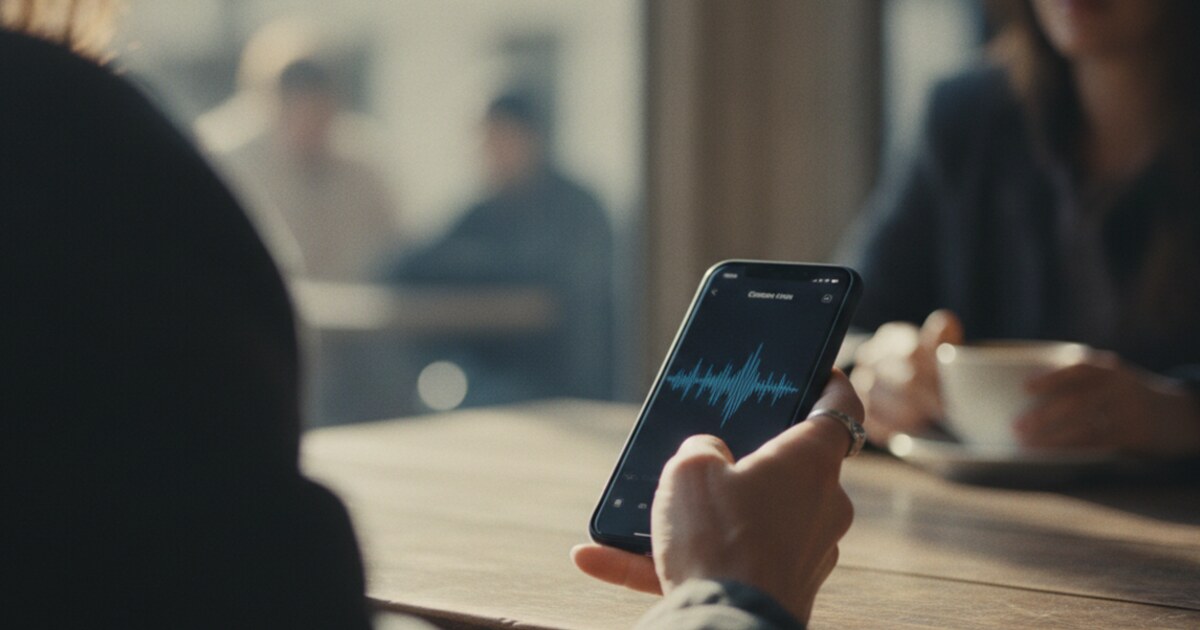
Open the app, tap the large red button at the bottom, and start talking. A live waveform confirms the mic is picking up audio. Tap again to pause, then tap Done to save. Files are named by location or date automatically. Rename them as soon as you're done; date-based names become unmanageable fast.
Recordings sync to iCloud automatically if iCloud Drive is on, so they show up on your Mac inside the Voice Memos app.
For phone calls, iOS doesn't support native call recording. Apple built this restriction into the operating system. Third-party apps like TapeACall work as workarounds by routing the call through a three-way merge, which typically plays a brief disclosure message to the other party.
Before recording any call, check your state's rules; about 12 states require everyone's agreement before recording starts. Our guide on is it illegal to record a conversation covers the state-by-state breakdown in plain language.
Tips specific to iPhone recording:
- Landscape orientation places the microphone slightly better for in-person audio
- Reducing screen brightness and disabling raise-to-wake prevents accidental screen taps from pausing the recording
- Voice Memos supports background recording, so you can lock the screen without stopping capture
How to Record a Conversation on Android
Android gives you more built-in flexibility than iPhone, including native call recording on several devices.
Google Pixel phones running Android 12 or later include call recording directly in the Phone app. Tap the Record button during an active call. The app plays an automated disclosure to the other party, which satisfies one-party consent requirements in most U.S. states.
Samsung Galaxy phones include call recording under Phone > Settings > Record Calls on most models. Samsung disables this through carrier settings in some regions, so availability varies by carrier and country.
For in-person conversations, open the Voice Recorder app (pre-installed on most Android devices) or download Google Recorder from the Play Store. Google Recorder has a useful advantage: it transcribes in real time as it records, saving a step if you need a text version of the conversation.
A few practical notes:
- Google Recorder saves files at 48 kHz locally and to Google Drive
- If call recording is missing from your Phone app, your carrier likely blocked it; check with your carrier or try a third-party recorder
- For group conversations with more than 3-4 people, a clip-on lavalier microphone dramatically improves voice separation
For specifics on when phone call recording is legal across states, see our guide on is it illegal to record a telephone conversation.
How to Record on a Computer or in an Online Meeting
Setup differs by operating system and meeting platform.
Mac: Open QuickTime Player, go to File > New Audio Recording, then select your microphone from the dropdown arrow next to the record button. QuickTime saves M4A files to your Desktop or Documents folder. For video calls, press Shift+Command+5 and choose audio input along with screen capture.
Windows: Search for Voice Recorder in the Start menu (called Sound Recorder on Windows 11). Click the microphone icon to start. Files save as M4A inside Documents > Sound Recordings automatically.
Zoom, Teams, and Google Meet: All three platforms include built-in recording. The meeting host starts and stops it, and participants typically see a notification when recording begins. Zoom saves locally or to the cloud depending on your plan; Teams and Meet store recordings in SharePoint or Google Drive. Participant recording (without host permission) varies by organization settings.
If you need to capture audio from an online meeting without host access, run a separate audio app (Voice Memos on iPhone or Voice Recorder on Windows) alongside the meeting window. Check your organization's recording policy first.
For browser-based recording with no software install, tools like online-voice-recorder.com and Rev's online recorder let you capture and download M4A files directly from Chrome or Firefox without creating an account.
The Legal Side of Recording Conversations
Recording laws vary significantly by location, and the gaps matter.
In the U.S., federal law sets one-party consent as the national baseline: any participant in a conversation can legally record it without telling the others, provided the recording isn't made to commit a crime. About 12 states require all-party consent before recording starts. States with all-party (two-party) consent include California, Florida, Illinois, Maryland, Massachusetts, New Hampshire, Pennsylvania, and Washington. Penalties range from civil liability to felony charges depending on state.
Recording a conversation you're not part of is almost universally illegal regardless of state or country.
For students and classroom recording, campus rules add another layer. Our guide on can you record lectures in college covers what universities actually permit and what requires permission from the instructor.
If you're recording someone and want to know whether they can do the same to you, can someone record you without your consent answers the reverse question.
What to Do With Your Recording After
Capturing the audio is the easy part. The real problem is finding specific information in it later.
Replaying 45 minutes of recorded audio to track down one point isn't a workflow. NoteHive solves this by transcribing conversation recordings and pulling them into organized notes automatically. Upload any audio file (MP3, M4A, WAV, and most common formats) at notehive.app/onboarding. The app transcribes the audio, highlights key concepts, and builds structured notes from the content.
From those notes, you can:
- Generate flashcards to test your recall on important points
- Create a podcast-style audio summary for hands-free review during a commute or workout
- Use the organized notes directly to prepare for a follow-up meeting or exam
Upload works on the free tier. No credit card required.
This is particularly useful for lecture recordings where you need to study the content, not just re-listen. Transcription turns passive audio into active study material.
Frequently Asked Questions
Can you record a conversation on iPhone without the other person knowing?
For in-person conversations, yes. Voice Memos records without displaying any notification to others in the room. For phone calls, iOS doesn't support silent native recording; third-party apps typically play a disclosure tone. Whether silent recording is legal depends on your state; about 12 states require all parties to consent before recording starts.
How do I record a phone conversation on Android?
On Google Pixel phones running Android 12+, tap the Record button in the Phone app during a call. On Samsung Galaxy devices, go to Phone > Settings > Record Calls. This feature may be unavailable depending on your carrier and region. For in-person recording, Google Recorder works well and transcribes in real time at no cost.
What's the best free app to record a conversation?
Voice Memos (iPhone) and Google Recorder (Android) are both pre-installed and save files locally for free. Google Recorder adds real-time transcription. For online meetings, Zoom's free plan includes recording with a 40-minute session limit. NoteHive lets you upload any audio recording and converts it to structured notes, flashcards, and audio summaries.
Is it legal to secretly record a conversation?
In the U.S., the federal one-party consent rule lets any participant in a conversation record it without disclosure, as long as the recording isn't made to commit a crime. About 12 states require consent from all parties, including California, Florida, and Illinois. Recording a conversation you're not participating in is illegal under the federal Wiretap Act.
Do I need special equipment to get a clear recording?
For two-person conversations, your smartphone is enough. Keep it within 3-6 feet of the speakers, silence notifications, and choose a quiet space. External USB microphones or clip-on lavaliers improve quality for groups with multiple speakers, but they're not necessary for a standard one-on-one conversation in a reasonably quiet room.
Ready to do more with your recordings? Start organizing your notes free at NoteHive. Upload any conversation recording and get AI-generated notes, key points, and flashcards in under 2 minutes.
Ready to transform your study sessions?
Start using NoteHive AI in your browser — turn your lectures into organized notes, flashcards, and quizzes. No download required.