
How to Turn Lectures into Flashcards (Without Hours of Work)
Making flashcards by hand takes forever. After a 90-minute lecture, most students spend another hour transferring notes into flashcard decks, which means the lecture-to-flashcard process doubles your study time before you've reviewed a single card. Most students skip the flashcards entirely, showing up to exams having re-read their notes three times instead of actually testing themselves. There's a faster way.
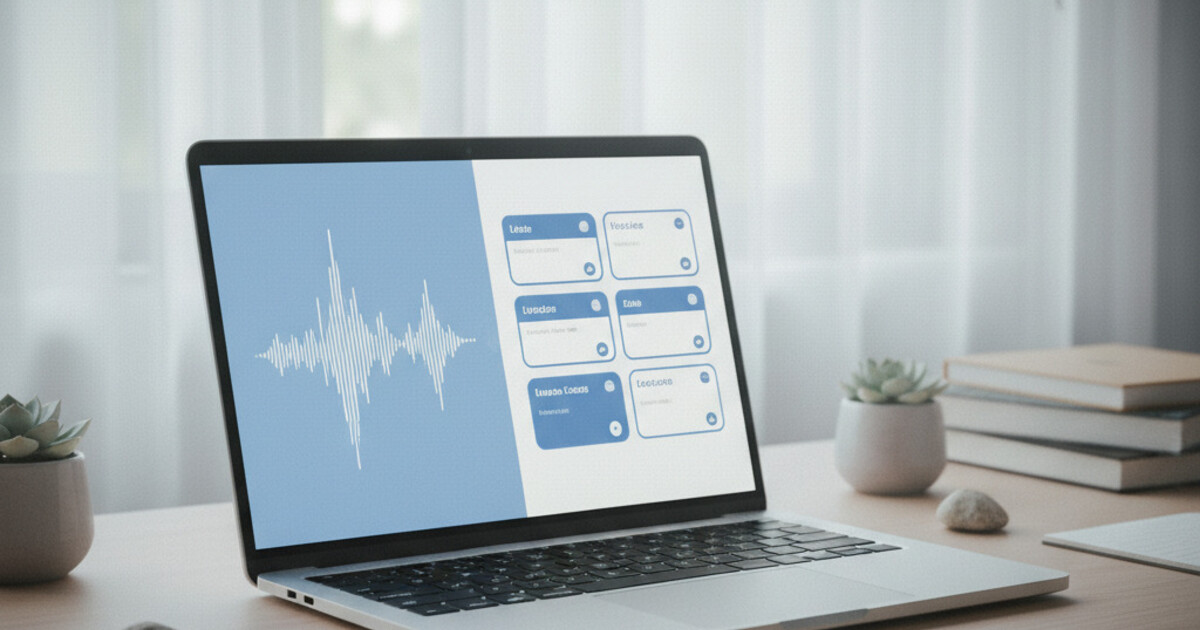
Record your lecture with an AI note-taking app, then let the AI generate flashcards directly from the transcript. Apps like NoteHive capture the audio, convert it to organized notes, and automatically build a deck of flashcards from the key concepts, all within a few minutes of the lecture ending.
Why Flashcards Work (and Why Making Them Is So Painful)
Flashcards work because they force active recall, one of the most effective ways to move information into long-term memory. The cognitive process behind flashcard review, pulling an answer from memory rather than recognizing it on a page, consistently outperforms re-reading, highlighting, and note summarizing on delayed retention tests.
The problem is building the deck. A typical 75-minute biology lecture might generate 80 to 120 concepts worth reviewing. Writing clear questions on one side and precise answers on the other takes 45 to 60 minutes on top of the class itself. For a student juggling four courses and a job, that math breaks down fast.
Converting a lecture into flashcards involves three steps: capturing the audio, extracting key concepts from the transcript, and structuring them into question-answer pairs. Manual flashcard creation takes most students 45 to 60 minutes per lecture. AI-powered tools collapse that to under 5 minutes by automatically transcribing the recording, identifying concepts through natural language processing, and generating card pairs ranked by how often a concept appeared in the lecture. The AI also uses lecture structure to infer what's worth testing: material introduced with signal phrases like "the key point is" or "remember that" gets weighted more heavily. Research on active recall shows that self-testing outperforms passive study methods by 20 to 40% on delayed retention tests. A 2013 meta-analysis in Psychological Science in the Public Interest ranked practice testing highest among commonly used study techniques. For students recording 10 to 15 lectures per week across multiple courses, automation can reclaim 7 to 10 hours of weekly prep time without reducing flashcard quality.
That's why lecture-to-flashcard tools exist. They handle the extraction and formatting so you can spend study time reviewing, not building.
The Old Process vs. Lecture-to-Flashcard AI
The old process: sit through the lecture, take notes by hand or keyboard, go back through those notes, identify the key terms, write each term as a question, type the answer, repeat 80 times. Students who do this consistently tend to do well on exams. Most don't do it consistently, because it's exhausting on top of everything else a full course load demands.
AI lecture-to-flashcard tools flip the sequence. You record the lecture. The AI handles transcription, concept extraction, and card generation while you walk to your next class.
The output quality surprises most students the first time around. A well-trained AI doesn't just pull out highlighted phrases; it identifies the questions implied by the material. A lecture on enzyme kinetics might produce "What does Km measure in the Michaelis-Menten equation?" rather than just "Define Km." The question form is already baked in.
Some tools do this better than others. Lower-quality apps extract terms and paste the "answer" as a wall of text copied straight from the transcript. A good lecture-to-flashcard tool structures the output so each card is short, retrieval-focused, and usable across a 2 to 3 week review cycle.
The format difference matters more than it sounds. Cards that test retrieval ("What is...") are meaningfully more effective than cards that test recognition ("Which of these is..."). Recognition feels like studying. Retrieval actually builds memory.
How to Turn Your Lecture into Flashcards with NoteHive
NoteHive covers the full pipeline from lecture to study material: record, transcribe, notes, flashcards, quiz. Here's how it works specifically for the lecture-to-flashcards use case.
Step 1: Record the lecture. Open NoteHive at notehive.app in any browser and tap the record button before class starts. The app captures audio without any setup or extra hardware.
Step 2: Transcription and notes. When you stop recording, NoteHive automatically transcribes the audio and builds organized notes from the content. Key concepts, definitions, and relationships get sorted into structure without you doing anything.
Step 3: Auto-generate flashcards. From the notes view, trigger automatic flashcard generation. The cards come pre-formatted with questions and answers, no manual entry needed.
Step 4: Quiz yourself. NoteHive also generates an interactive quiz from the same notes, with progress tracking built in. You can switch between flashcard-style review and quiz format depending on how close you are to the exam.
For students in courses with heavy factual loads (pharmacology, anatomy, history, economics, law), this pipeline cuts weekly study prep significantly. The lecture work ends when the recording ends.
NoteHive supports 80+ languages, which makes it practical for language courses and international programs where lectures don't happen in English.
If you want to go deeper on how AI compares to manual deck-building, the guide on auto-generating flashcards from lectures with AI breaks down what to expect from both approaches.
What Makes a Good Lecture Flashcard
AI generates cards fast, but not every auto-generated card is worth reviewing. Knowing what to look for helps you clean the deck in one pass before your first study session.
A good flashcard has one specific question on the front. "What is the function of the mitochondria?" beats "Mitochondria?" every time. The answer should be one to three sentences. If an answer needs a paragraph, the question is too broad and should be split.
Cards built for retrieval ("What is...") are more effective than cards built for recognition ("Which of these is..."). A good lecture-to-flashcard tool generates retrieval questions by default, because retrieval testing is what active recall actually means.
Spend 10 minutes reviewing the deck after it's generated. Merge duplicate cards, cut vague questions, and flag any card where the answer feels thin. That quick pass significantly improves how useful the deck is over a 2 to 3 week review cycle, and it's much faster than building the deck from scratch.
Getting the Most from Lecture-to-Flashcard Conversion
A few habits improve AI-generated flashcard quality without adding much effort to the recording session.
Sit close enough to hear the professor clearly. Background noise degrades transcription accuracy, which cascades into lower-quality notes and weaker flashcards. Most classrooms work fine; large lecture halls with poor acoustics sometimes produce messier transcripts.
Record the whole lecture, not just the first half. Professors often return to earlier concepts near the end, and those repeated mentions generate stronger flashcard candidates because the AI gives more weight to frequently discussed material.
After the deck is generated, add any concept that appeared on the whiteboard but wasn't said aloud. Visual information doesn't make it into audio recordings, so a few manual cards cover that gap without much extra work.
Knowing how to schedule your review sessions after building the deck also matters. The breakdown of spaced repetition vs. active recall explains the difference between the two techniques and when to lean on each as exams get closer.
Frequently Asked Questions
Can I turn any lecture recording into flashcards?
Yes, as long as the audio is clear enough for transcription. Recordings from a quiet classroom or seminar room work best. Large lecture halls with heavy background noise may produce lower-quality transcripts, which affects flashcard output. Most standard college recordings work fine.
How long does it take to generate flashcards from a lecture?
With NoteHive, transcription and flashcard generation typically completes in 2 to 5 minutes after you stop recording. A 75-minute class generates a deck in about 3 to 4 minutes, fast enough to have a ready-to-review deck by the time you reach your next class.
Are AI-generated flashcards as good as ones I make myself?
They cover core concepts reliably. Manually-made flashcards can be more personalized to how you think, but they take 10 times as long to build. Most students find AI-generated decks cover 80 to 90% of what they'd build themselves, and editing the last 10% takes a fraction of the time building from scratch would.
What languages does NoteHive support for lecture flashcard generation?
NoteHive supports 80+ languages for transcription and note generation. Students in language courses, international programs, or bilingual classrooms can record lectures in their target language and receive flashcards in the same language.
Does NoteHive work offline?
NoteHive is a web app and requires an internet connection for recording, transcription, and flashcard generation. Because the AI processing happens server-side, offline mode isn't available. You'll need a stable connection during the recording session.
Ready to stop spending 45 minutes building flashcard decks after every lecture? Start organizing your notes free at notehive.app — record your next class and get AI-generated notes, flashcards, and a practice quiz in under 5 minutes.
Ready to transform your study sessions?
Start using NoteHive AI in your browser — turn your lectures into organized notes, flashcards, and quizzes. No download required.