
Turn Lecture Recordings into Study Notes (5 Methods)
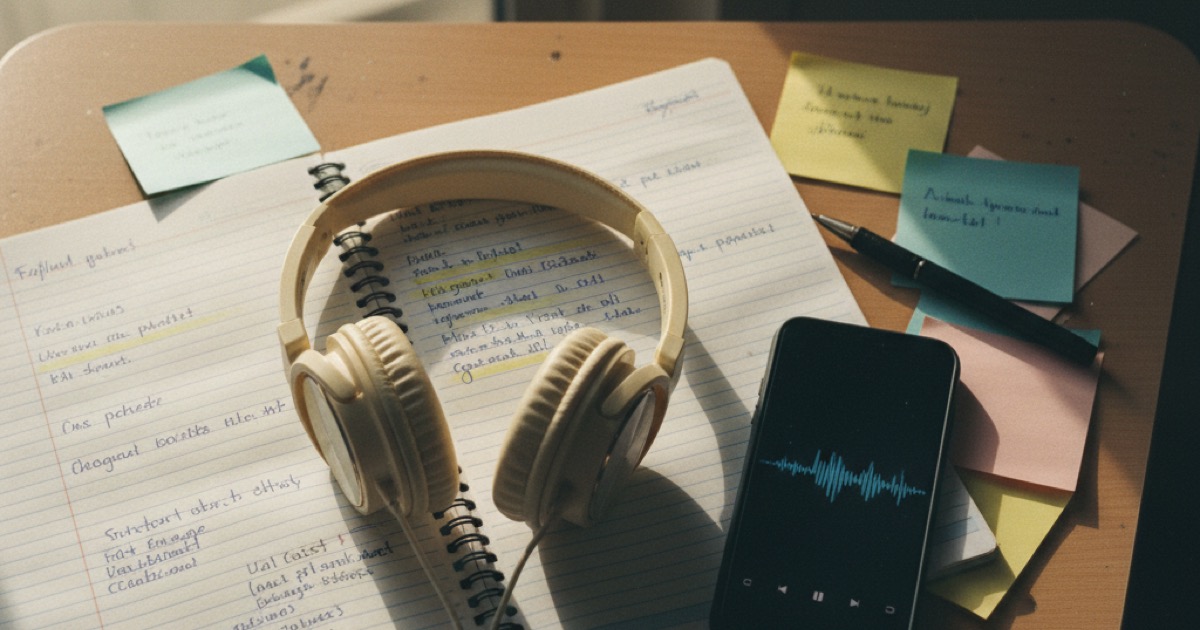
You recorded the lecture. Now you're staring at a 90-minute audio file, wondering how to turn lecture recordings into study notes without spending the entire weekend on it.
Good news: you don't have to transcribe everything by hand. There are faster ways to pull out the key ideas, organize them, and build study materials you'll actually use. This guide covers 5 methods, from manual approaches to AI tools that do the heavy lifting for you.
The fastest way to turn a lecture recording to notes is to use an AI note-taking app that transcribes the audio, identifies key concepts, and generates organized notes automatically. Manual methods work too, but take 3 to 4 times longer than AI-powered alternatives.
Why Turning Lecture Recordings to Notes Matters
Recording lectures is a smart move. We covered best practices in our lecture recording tips guide. But a raw audio file sitting on your phone isn't studying. It's storage.
Here's the problem: re-listening to a full lecture takes the same amount of time as attending it. A 50-minute class means 50 minutes of playback. Multiply that by 4 or 5 classes per day, and you've just doubled your workload.
Students who convert lecture recordings to structured notes retain 40% more material than those who simply re-listen, according to research on active recall and note-taking from cognitive psychology. The act of processing, organizing, and condensing information forces your brain to engage with the material rather than passively absorb sound. The best approach combines selective listening with structured note formats (Cornell or outline methods) and AI tools that handle transcription and organization automatically. This shift from passive recording to active note creation is what separates students who struggle from those who perform consistently on exams. Karpicke and Roediger (2008) showed that retrieval practice outperforms re-reading by roughly 50% for long-term retention. For lecture-heavy courses, that gap compounds: students in STEM programs typically face 15 to 20 hours of lecture per week. Processing those recordings into structured notes, rather than re-listening, can cut effective study time by half while improving test scores.
Notes give you something recordings can't: scannable structure. You can review a set of notes in 10 minutes. You can't review a 50-minute recording in 10 minutes.
Method 1: The Manual Timestamp Approach
This is the old-school method. It works, but it's slow.
How it works:
- Play your recording at 1.5x speed
- When you hear a key concept, pause and write it down
- Note the timestamp so you can find it again later
- After the full playback, organize your notes by topic
When to use it: If you only have one or two recordings to process, or if the lecture covers complex material you need to think through slowly.
The downside: A 50-minute lecture still takes 30 to 35 minutes at 1.5x speed, plus time to write and organize. That adds up fast when you have multiple classes.
Method 2: The Cornell Method with Recordings
The Cornell system pairs well with recordings because it has a built-in review structure.
How it works:
- Divide your page into three sections: notes column (right), cue column (left), summary (bottom)
- Play the recording and write main ideas in the notes column
- After playback, add questions and keywords in the cue column
- Write a brief summary at the bottom
When to use it: For classes where you need deep understanding, not just facts. The cue column forces you to think about what the key questions are, which is better prep for exams than highlighting.
You can learn more about how different note-taking methods compare in our flashcards vs notes study methods guide.
Method 3: AI Transcription + Manual Editing
This is the middle ground. Let AI handle the transcription, then you clean it up.
How it works:
- Upload your recording to a transcription tool
- Read through the transcript and highlight key sections
- Copy the important parts into your note-taking app
- Organize by topic and add your own annotations
When to use it: When you want the speed of AI but prefer to organize notes yourself. Good for students who learn by editing and restructuring.
The downside: You still spend 20 to 30 minutes per lecture editing and organizing. The transcript also won't distinguish between important concepts and filler ("so, um, as I was saying...").
Method 4: AI-Powered Lecture Recording to Notes
This is where things get significantly faster. AI note-taking apps don't just transcribe. They identify key concepts, strip out the filler, and produce organized notes.
How it works:
- Record the lecture (or upload a recording)
- The AI transcribes the audio in real time
- It generates structured notes with headings, key points, and summaries
- You review and tweak the output
When to use it: For most lectures, especially fast-paced ones where you can't keep up manually. This approach cuts note-creation time from 30+ minutes to about 5 minutes of review.
What to look for in an AI note tool:
- Accuracy across accents and technical vocabulary
- Structured output (not just a wall of text)
- Support for your language (critical for international students)
- Ability to generate study materials beyond notes (flashcards, quizzes)
Method 5: Full Study Pipeline (Record to Study Materials)
The most efficient approach. Instead of just getting notes, you get an entire study kit from a single recording.
How it works:
- Hit record at the start of class
- AI transcribes and generates organized notes
- Flashcards are created automatically from key concepts
- Practice quizzes are generated from the notes
- Notes convert to audio format for hands-free review
This turns one lecture recording into four types of study material. You study with notes for understanding, flashcards for memorization, quizzes for self-testing, and audio for review while commuting or exercising.
The Scribble Study Method for Processing Recordings
The scribble study method pairs well with lecture recordings. If you haven't heard of it: you write rough, messy notes as fast as possible while listening, then immediately close your notebook and rewrite everything from memory.
The key is that rewrite step. Retrieving information from memory (rather than copying it) is what builds retention. Cognitive scientists call this the "testing effect": retrieval practice consistently outperforms re-reading for long-term recall.
Here's how to adapt it for recordings:
- Listen to the recording at 1.5x speed and scribble freely
- Pause when you finish each main section
- Close your notes and write everything you remember
- Check your recall against the scribble notes and fill the gaps
- Move to the next section
You can also combine the scribble method with AI notes. Run the recording through an AI tool first, get the structured output, then close it and test how much you can reconstruct from memory. The AI notes become your answer key. It's a faster version of the Cornell cue-column approach, built around retrieval rather than passive review.
Our best lecture recorder app guide covers the tools that pair best with this kind of active-processing workflow.
How NoteHive AI Handles This
NoteHive AI is built around the full pipeline approach. You tap record at the start of your lecture, and the app handles the rest.
It transcribes the audio across 80+ languages, then generates clean, organized notes with key concepts pulled out. From those notes, it automatically creates flashcards and practice quizzes. You can convert your notes into podcast-style audio for reviewing on the go.
The whole process takes seconds after the recording ends. Compare that to 30+ minutes of manual note-taking from a recording.
One thing worth mentioning: NoteHive doesn't answer homework questions or write essays. It's built to help you learn the material, not bypass it. That means it's compliant with university honor codes.
Frequently Asked Questions
How long does it take to turn a lecture recording into notes manually?
Expect to spend 30 to 45 minutes per hour of lecture. You'll need to listen at 1.5x speed, pause to write key points, and then organize everything. AI tools cut this down to 5 minutes of review time.
Can I use AI notes as my only study material?
AI-generated notes are a strong starting point, but you'll retain more if you combine them with active recall. Use the notes for understanding, then test yourself with flashcards or quizzes to lock in the knowledge.
Do AI note-taking apps work with technical lectures?
Most AI transcription tools handle technical vocabulary reasonably well, especially in popular fields like computer science, biology, and business. Accuracy varies by tool and accent, so test yours with a short recording first.
Is it better to take notes during class or record and process later?
Both approaches have strengths. Recording lets you focus fully on understanding during the lecture. Processing notes afterward with AI help lets you build organized study materials. Many students find the combination gives better results than either approach alone.
What is the scribble study method and does it work with recordings?
The scribble method involves writing rough notes quickly while listening, then immediately rewriting them from memory without looking at the originals. Paired with a recording, it becomes a built-in retrieval practice session. Research on active recall shows retrieval practice improves long-term retention by roughly 50% compared to re-reading.
Ready to stop spending 30 minutes processing every recording? Start organizing your notes free at notehive.app. Record a lecture and get AI-generated notes, flashcards, and a practice quiz in under 2 minutes.
Ready to transform your study sessions?
Start using NoteHive AI in your browser — turn your lectures into organized notes, flashcards, and quizzes. No download required.