
How to Transcribe a Voice Recording: Best Tools in 2026
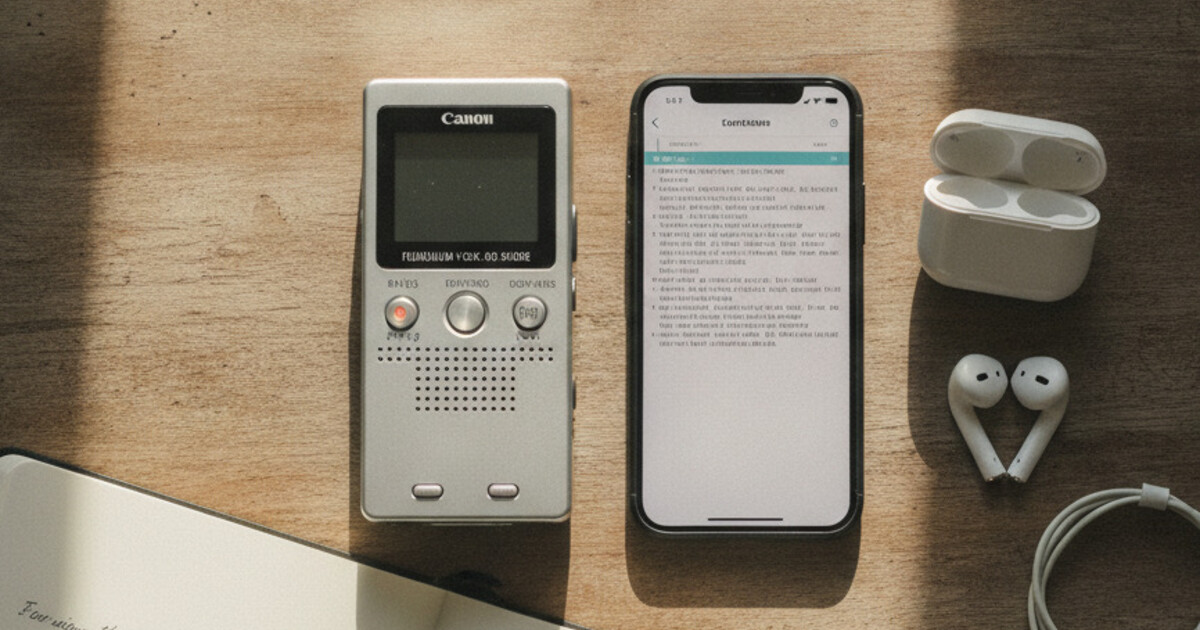
A voice recorder with transcription does two jobs at once: it captures what's said and turns that audio into text you can actually search, skim, and reuse. Instead of a folder full of audio files you'll never replay, a voice recorder that transcribes hands you a written record the moment you stop recording: the meeting recap, the interview quotes, the idea you mumbled on a walk.
How do you transcribe a voice recording? Upload the audio file to an AI transcription tool. NoteHive accepts MP3, M4A, WAV, and most common formats and returns a transcript in under 2 minutes. For live recordings, a browser-based recorder like NoteHive transcribes in the same workflow: record, stop, and get organized text in your language, free to start with no install.
Why a Plain Voice Recorder Isn't Enough Anymore
The voice memo app on your phone is fine for capturing sound. The problem starts afterward. A 40-minute meeting recording is nearly useless a week later, because finding the one sentence you need means scrubbing through the whole thing. Audio doesn't scan. Text does.
That's the entire case for a transcribing recorder. When your recording becomes text, you can:
- Search for a name, number, or decision in seconds instead of scrubbing a timeline.
- Copy a direct quote from an interview without replaying it five times.
- Skim a webinar you half-listened to and pull out only what matters.
- Keep a written trail of what was actually agreed in a call.
People reach for this in predictable moments: back-to-back meetings where nobody has time to take notes, interviews where you want to stay present instead of typing, sermons and lectures you want to revisit, podcast prep, and the voice memos you record in the car before an idea evaporates. In all of these, the recording is a means to an end. The text is the thing you keep.
What to Look for in a Voice Recorder That Transcribes
Not every "recorder with transcription" is built the same. A few things separate a tool you'll actually use from one you'll abandon.
One-tap recording with no setup. If starting a recording takes more than a couple of taps, you'll miss the first minute of every meeting. The recorder should be ready before the conversation is.
Automatic transcription, not a manual step. Some apps record now and make you upload the file to a separate transcription service later. The good ones transcribe as part of the same flow, so you finish with text, not homework.
Accuracy on real speech. Clean-room demos always sound great. What matters is how it handles a normal room with some background noise and a speaker who isn't a broadcast announcer. Expect roughly 90–95% accuracy on clear audio, and plan to record close to the speaker.
Structure, not a wall of text. A raw transcript is still hard to use. The best tools organize the text into sections, pull out key points, and give you a short summary so you're not reading 4,000 words to find three decisions.
Language coverage. If you work across languages (or interview people who don't speak yours), support for many languages is the difference between a tool that works and one that doesn't.
Nothing to install. A recorder that runs in the browser works on whatever device you're holding, with no app-store detour and no IT approval. That matters when you need to capture something right now.
A Few Real Approaches to Recording and Transcribing
There's more than one way to get from spoken words to text. Here's how the common approaches actually feel to use.
Phone voice memos plus a separate transcription service. You record in your default voice app, then export the file to a transcription tool. It works, but it's two steps and two apps, and you have to remember to do the second one. Fine for the occasional file, tedious as a daily habit.
Dedicated dictation apps. These are built for one person speaking to their phone, turning a spoken monologue into cleaned-up text. Great for capturing ideas on the move, less suited to a multi-person meeting or a long recording you want organized into notes. If you mainly record short voice notes and want AI to clean them up, AudioPen alternatives for students shows how these lighter tools compare.
Meeting-bot transcribers. Some services send a bot to join your video calls and produce a transcript with speaker labels. Powerful for scheduled Zoom or Teams meetings, but they only work inside those calls. No help for an in-person interview, a hallway conversation, or a voice memo, and they add a visible bot to the meeting.
Browser-based transcribing recorders. You open a tab, tap record, and get a transcript plus organized notes when you stop. No install, no second app, no bot in the call. This is the sweet spot for people who record in lots of different situations (a meeting, then an interview, then an idea in the car) and just want text out of all of them. This is the category NoteHive sits in.
How to Transcribe a Voice Recording
Transcribing a voice recording used to mean two things: pay someone to type it out, or scrub through the audio yourself. AI transcription closed that gap. You hand over the file and get text back in the time it takes to make coffee.
The fastest workflow is to upload the audio file to a browser-based tool. Most accept MP3, M4A, WAV, AAC, and WEBM formats, and some also pull audio directly from video files. Modern AI transcription runs at 4-10x real-time speed, so a 60-minute recording finishes in 6-15 minutes. Accuracy on clear speech in a quiet room lands at 90-95%; background noise and overlapping speakers bring that down to 70-80%. The main practical factors are microphone placement (closer is almost always better), room acoustics (carpet and soft furnishings reduce echo), and speaker overlap (the model can't cleanly separate two voices talking at once). A 30-second voice memo on a phone held at arm's length and a 60-minute boardroom recording at the far end of a conference table will produce very different results, even with the same transcription engine. From your phone, the process is: record in your default app, export the file, upload it for transcription. If you already have recordings sitting on your device, converting voice memos to text and notes walks through that exact workflow.
For a browser-based recording, it's even simpler: record directly in the tool and the transcript arrives when you stop. No export, no second app, no file management.
NoteHive: An Online Voice Recorder With Transcription That Organizes Itself
If you want a voice recorder with transcription that doesn't stop at the transcript, NoteHive is the standout. You open notehive.app in any browser, tap record, and when you're done you get more than a transcript: AI-organized notes with the key points surfaced, plus a short summary you can read in under a minute.
Here's the flow in practice. You either record the meeting, interview, or voice memo directly in your browser, or upload an existing recording you already have: an audio file like an .m4a voice memo or .mp3, or a video file that NoteHive pulls the audio from. NoteHive transcribes the audio, then restructures it into clean notes with the main ideas highlighted, so you're not staring at an unbroken block of text. It writes a summary of what was covered. And it can turn those notes into a short audio recap (a notes-to-podcast feature), so you can review a call hands-free on your commute instead of rereading it. Our guide to turning notes into an audio recap you can listen to on the go walks through how that playback works.
A few things make it a practical daily tool rather than a demo:
- It's genuinely free to start. No credit card, no trial countdown. You can record and transcribe your first sessions at no cost.
- 80+ languages. Record in the language you actually speak, or transcribe interviews with people who don't share yours.
- Web-first, no install. It works in any browser at notehive.app, so it's on your laptop and your phone without an app-store download or IT sign-off.
- The transcript becomes usable notes. The summary and highlighted key points are what turn a recording into something you'll open again next week. If you mostly want the condensed version, the same engine powers our AI summarizer for long recordings.
Being honest about what NoteHive does and doesn't do
Because this is the kind of decision worth getting right, here's the straight version. NoteHive transcribes and organizes audio into notes. That's the core, and you can feed it two ways: record live in the browser, or upload an existing file you already have (an audio recording like an .m4a or .mp3, or a video file, which NoteHive extracts the audio from). It does not add speaker labels or diarization, so it won't tag each line as "Speaker 1" or "Speaker 2." It does not join Zoom, Teams, or Google Meet as a bot. You record or upload the audio yourself, and it doesn't import from a web link or URL yet. There's no live collaboration on a shared transcript.
What that means in plain terms: NoteHive takes the audio you give it, whether you capture it live or upload a recording you made earlier, and turns it into a clean, structured, searchable transcript with a summary. If your only requirement is a bot that auto-joins scheduled calls and labels every speaker, a dedicated meeting-bot service fits that specific job better. If you want one simple recorder that transcribes anything you point it at (meetings, interviews, sermons, ideas, voice memos, or a file already sitting on your device) and hands you organized notes for free, that's precisely where NoteHive shines.
How Automatic Voice Transcription Actually Works
Under the hood, a voice recorder with transcription runs a few steps in sequence. First it captures the audio through your device's microphone. Then a speech-to-text model converts the sound waves into words, using context to guess correctly between similar-sounding phrases. From there, better tools run a second pass that cleans up filler, breaks the text into sections, and pulls out the points that matter.
The single biggest factor in the result is the audio you feed it. A few habits that reliably improve accuracy:
- Get close to the speaker. Microphone distance matters more than almost anything else. A phone on the table beats a laptop across the room.
- Reduce echo and background noise. A carpeted room transcribes better than a tiled one; a closed door beats an open café.
- Ask people to talk one at a time. Crosstalk is where transcription accuracy falls apart, since the model can't cleanly separate overlapping voices.
- Record the whole thing. Starting a few seconds early means you don't lose the opening context that helps the model (and you) make sense of the rest.
Do those, and modern transcription lands in the 90–95% range on normal speech, which is more than enough to search, quote, and summarize from.
Recording People: Get Consent First
One practical note that's easy to skip. If you're recording anyone other than yourself (an interview subject, a meeting, a client call), get their consent before you hit record. Many places require all parties to agree to being recorded, and even where the law is looser, telling people up front is the professional move. A transcribing recorder makes it trivial to keep a written record, which is exactly why being transparent about capturing it matters.
The Bottom Line
If your recordings keep piling up unheard, the fix isn't a better microphone. A voice recorder that transcribes automatically means every session ends as searchable text instead of another audio file. For meetings, interviews, and voice memos, an online voice recorder with transcription that also organizes the text into notes and a summary saves the part that actually costs time: turning what was said into something you can use.
Ready to stop scrubbing through recordings you'll never replay? Start turning your recordings into notes free at notehive.app. Tap record in your browser and get a transcript, organized notes, and a summary in minutes, in 80+ languages, with no install.
Ready to transform your study sessions?
Start using NoteHive AI in your browser — turn your lectures into organized notes, flashcards, and quizzes. No download required.