
Best Note-Taking App for Veterans in 2026
Best Note-Taking App for Veterans in 2026
Going back to school after military service is a specific kind of challenge. You've managed complex operations, led teams under pressure, and solved problems with incomplete information. But sitting in a lecture hall and capturing a professor's 75-minute talk in real time is a different skill, and it takes time to rebuild.
Most student veterans balance VA appointments, part-time or full-time work, and family responsibilities alongside a full course load. You can't afford to spend hours reorganizing messy notes or tracking down what you missed during a fast-moving class. You need something that captures information reliably and converts it into usable study material without extra effort.
The best note-taking apps for veterans in 2026 focus on efficiency, minimal setup, and a complete pipeline from lecture to study-ready content. Here's what actually works.
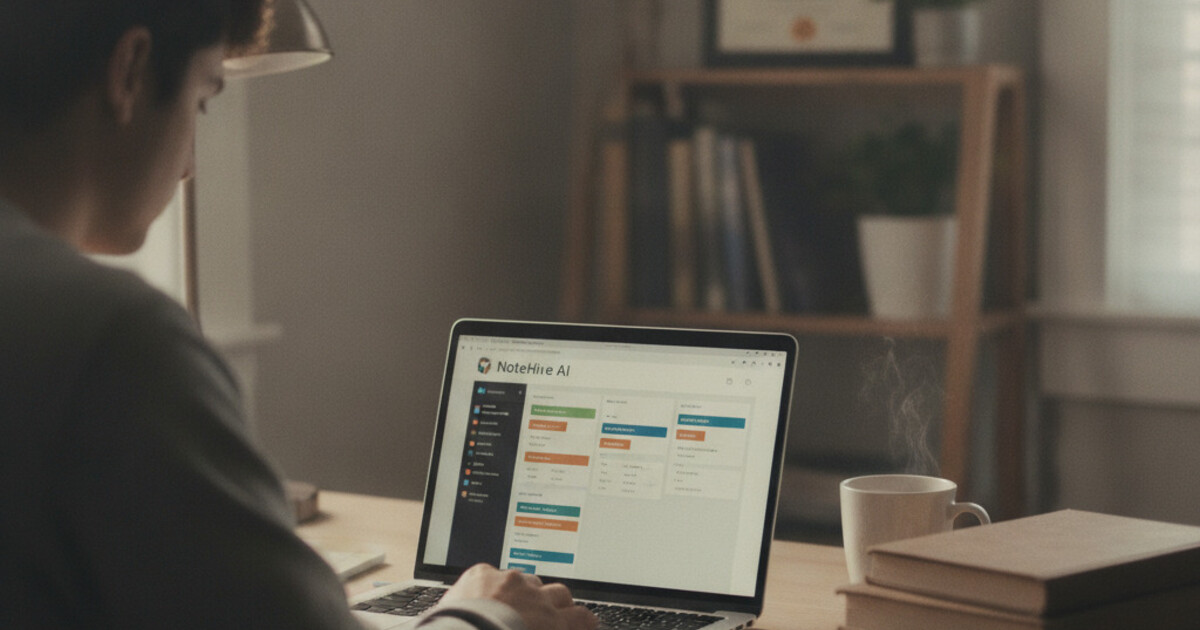
The best note-taking app for veterans is NoteHive AI. It records lectures, converts audio into organized notes automatically, and builds flashcards and a practice quiz from those notes in minutes. For student veterans managing VA appointments, work schedules, and coursework simultaneously, that pipeline cuts study prep from hours to under 2 minutes per lecture.
Why Student Veterans Need a Different Kind of Note-Taking App
Veterans returning to campus face challenges that standard college students don't. Many came from environments built around verbal briefings rather than written notes. Some deal with TBI (traumatic brain injury) or PTSD symptoms that affect concentration, working memory, or information processing. Others are carrying 30+ hours of weekly responsibilities outside of class.
A basic text-saving app doesn't address any of that. What student veterans actually need is a tool that captures information without constant manual effort, organizes it automatically, and produces study materials directly from those notes.
Student veterans make up around 750,000 active learners in U.S. colleges and universities each year, according to the Student Veterans of America. Many are 5-7 years older than their classmates and more likely to manage responsibilities off-campus: work, VA appointments, and family obligations. Research from Veterans Education Success found that veterans who use structured study methods, including audio-based review and active recall techniques, report higher course completion rates than peers who rely on manual notes alone. Cognitive challenges from service-related conditions like TBI and PTSD are also more common in this population, making tools that reduce in-class cognitive load especially useful. Apps that automate the pipeline from lecture audio to organized notes, flashcards, and practice quizzes can close a real gap for this group: the gap between attending class and having ready-to-use content when time outside of class is limited.
The ideal app captures class audio, produces organized notes automatically, and turns those notes into something you can actively study from: flashcards, quizzes, or audio summaries for review during a commute. That last piece is where most apps stop short.
Veterans who learned through verbal briefings often find audio-based review more natural than rereading typed text. If you can listen to a summary of your notes during a drive to the VA or at the gym, you're squeezing review into windows that would otherwise go unused.
The 5 Best Note-Taking Apps for Veterans in 2026
1. NoteHive AI: Best Overall for Veterans
NoteHive AI handles the full study pipeline in one place. Tap record when class starts, let it run, and by the time you close your laptop you have organized notes, auto-generated flashcards, and a practice quiz ready to go.
For veterans who study in compressed windows, between work shifts or before a VA appointment, this matters a lot. After recording a lecture, organized notes, flashcards, and a quiz are assembled automatically. There's no manual step between recording and having study materials ready.
The notes-to-podcast feature is worth calling out separately. NoteHive converts your notes into an audio format you can listen to during a commute, a workout, or any other activity that doesn't need your full attention. Many veterans already process information well by ear from years of verbal briefings, and this kind of review fits that style.
The app supports 80+ languages, which helps if you're taking a foreign language course or English isn't your first language. It works in any browser with no installation required. The free tier covers core recording and note generation, with no credit card needed to start.
2. Otter AI: Best for Transcription
Otter AI produces accurate, searchable transcripts with speaker identification. If your professor moves away from the mic or talks quickly, Otter handles that well. For seminars or discussion-based classes with multiple speakers, the speaker tagging helps you track who said what.
The limitation shows up on the study side. Otter gives you a transcript, but converting that into flashcards or quizzes still falls to you. For veterans who already know how to work from transcripts and just need an accurate record of class, it's a solid option. For anyone who needs the full conversion from lecture to study materials, it covers only the first step.
3. Notion: Best for Organizing All Your Coursework
Notion is a flexible workspace where you can combine notes, task lists, and databases in one place. A lot of veterans find the structure appealing because it resembles how military planning documents work: clear sections, checklists, and linked pages all under one roof.
The limitation is that Notion has no recording or transcription. You're still taking notes manually or pasting in content from another tool. For veterans with strong manual note-taking habits who want a more organized home for everything, it's a reasonable system. For anyone trying to reduce the amount of manual work going into study prep, it doesn't help on that front.
4. Microsoft OneNote: Best Free Option
OneNote is free with any Microsoft account, and most schools provide one through Microsoft 365. It syncs reliably across devices and integrates with Word and Outlook, tools many veterans already know from administrative or logistics roles in service.
There's no built-in audio transcription. Depending on your school's Microsoft 365 tier, you may have access to Copilot features that add some AI summarization. For veterans who prefer familiar, institutional software over newer apps, it's a solid starting point.
5. GoodNotes 6: Best for Handwriting on iPad
GoodNotes is built for writing by hand with an Apple Pencil on an iPad. If you think and process information better through handwriting than typing, it's the most polished option available. It converts handwriting to searchable text and keeps notes organized in a notebook layout.
The hardware requirement is a real limitation: you need an iPad and Apple Pencil to get the full value. There's also no audio recording or transcription. For veterans who prefer typed or audio-based notes over handwriting, the other apps on this list will serve you better.
How NoteHive AI Fits the Veteran Student Schedule
The thing that separates NoteHive AI from most note-taking tools is the complete cycle from audio to ready-to-study materials. After recording a class, organized notes, flashcards, and a practice quiz come out automatically. There's no extra assembly step.
For veterans who work full-time alongside school, the best note-taking app for working college students often isn't the one with the most features. It's the one that does the most with the least manual input. NoteHive's one-tap recording and automatic note generation fits that description well.
The audio review feature is worth using if you have dead time in your schedule. A 30-minute commute or a long wait at the VA can become a review session if you've converted your notes to audio. Over a semester, that adds up to a meaningful amount of study time.
NoteHive works in any browser with no install needed. Start free at notehive.app/onboarding.
Practical Study Habits That Work Alongside AI Notes
A few habits that make AI note-taking more effective for student veterans:
Start recording from the first minute of class. You'll miss context and early references if you wait for the lecture to feel important enough to capture. Let it run from the moment you sit down.
Review the generated notes the same day. AI-generated notes are accurate, but your memory of surrounding context helps you catch anything that needs clarification. A 10-minute same-day review makes a real difference at exam time.
Use the quiz before every test. The auto-generated quiz shows where your knowledge is thin. Veterans used to readiness checks will recognize the format: you're testing yourself to find gaps, not to prove what you already know.
Build audio review into existing routines. Listen to note summaries during workouts, commutes, or tasks that don't need full attention. You're not carving out new time for studying. You're using time that was already there.
If you're building a complete study toolkit, the guide on best free AI study tools for students covers what's available without spending money.
Frequently Asked Questions
Is NoteHive AI free for veterans going back to school?
Yes. NoteHive has a free tier at notehive.app/onboarding that covers recording, AI-generated notes, flashcard generation, and practice quizzes with no credit card required to start. Premium removes usage limits, but the free tier is enough to test the app through a full week of classes before deciding whether to upgrade.
Can AI note-taking apps help veterans with TBI or attention difficulties?
They can help significantly. Recording lectures removes the pressure of capturing everything in real time, which reduces cognitive load during class. Having organized notes and a quiz generated automatically means review doesn't require the same sustained attention that building materials from scratch would. Many veterans also find the audio review format helpful for retention compared to rereading text.
Do universities allow AI note-taking apps and recording devices in class?
Most do. Recording for personal study use is generally permitted under standard class recording policies, though some professors prefer you ask first. NoteHive AI is university-compliant: it doesn't complete assignments, answer exam questions, or assist with academic dishonesty in any way. Check your school's specific policy before the first class.
What's the best note-taking app for veterans taking online courses?
NoteHive AI works well for online courses. It records audio from your device, so it captures live Zoom sessions the same way it captures in-person classes. For async courses with pre-recorded video, run the video and let NoteHive record the audio in the background.
Are there veteran-specific discounts on note-taking apps?
Veteran-specific pricing is uncommon for consumer apps. NoteHive's free tier is generous enough that many student veterans can get through a full semester without upgrading. Some schools also offer software stipends through their veteran services office, so check with your campus SVA chapter or veteran resource center before paying for any tool.
Going back to school takes real commitment, and your time is the scarcest resource you have. Start organizing your notes free at notehive.app — record a lecture and get AI-generated notes, flashcards, and a practice quiz in under 2 minutes.
Ready to transform your study sessions?
Start using NoteHive AI in your browser — turn your lectures into organized notes, flashcards, and quizzes. No download required.