
Best Note-Taking App for Trade School Students in 2026
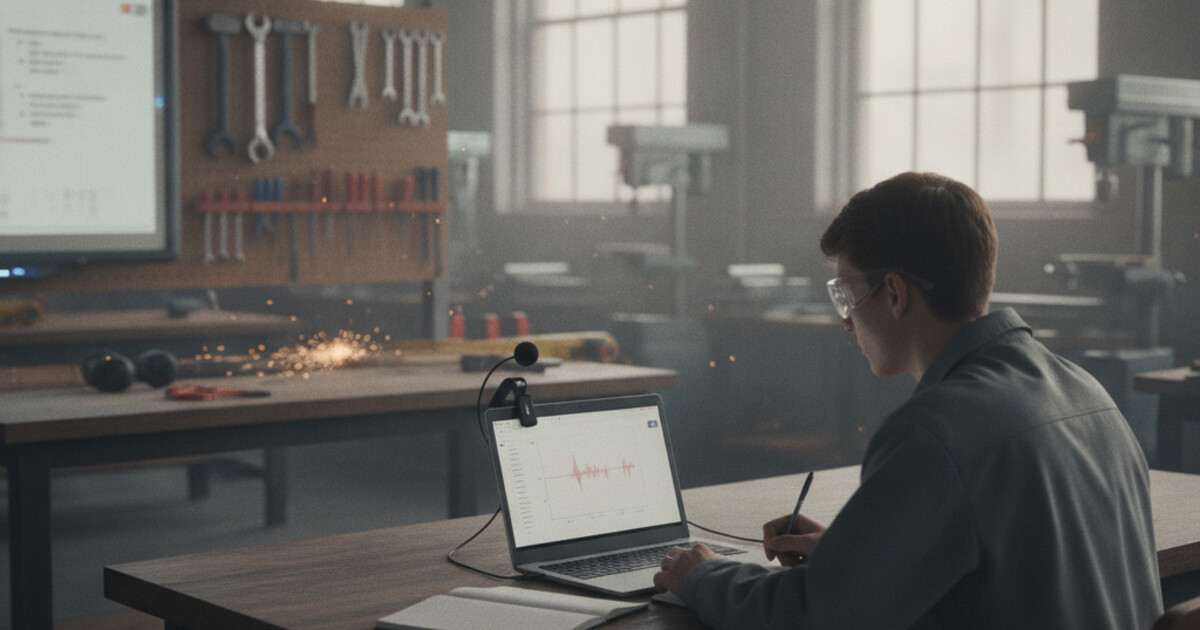
Best Note-Taking App for Trade School Students in 2026
Trade school moves fast. One week you're in the classroom learning electrical theory, the next you're in the shop wiring circuits with both hands occupied. Taking notes during a hands-on demo isn't realistic, and instructors explain most procedures once.
Finding the best note-taking app for trade school students means solving a specific problem: capturing dense technical content during instruction so you can convert it into study materials before your licensing exam. Programs run 12-24 months, cover electrical code, HVAC refrigerant cycles, medical dosage calculations, and end with state board or journeyman certification tests you need to pass to legally work in your field.
This guide compares the 5 best note-taking apps for trade school students in 2026, covering what each one actually does well and where it falls short.
The best note-taking app for trade school students in 2026 is NoteHive AI. It records classroom instruction, generates organized notes automatically, and converts them into flashcards and quizzes ready for licensing exam prep. For students who can't write during shop time, it captures everything you'd otherwise miss.
What Trade School Students Need from a Note-Taking App
Trade programs create a note-taking challenge that standard college apps weren't built to handle.
Trade school programs split time between classroom instruction and hands-on lab work, creating a note-taking gap that general study apps rarely address. According to the National Center for Education Statistics, more than 5 million students are enrolled in sub-baccalaureate certificate programs across U.S. postsecondary institutions, with most completing programs in under 24 months. Unlike four-year degree programs, vocational and trade curricula front-load dense technical content, including National Electrical Code regulations, HVAC refrigerant cycles, plumbing system design, and medical dosage calculations, then test that knowledge through state licensing or journeyman certification exams. First-time pass rates for trade certification exams typically range from 60 to 75 percent, meaning students who rely on handwritten notes or instructor handouts alone often require multiple exam attempts. Recording classroom instruction and automatically generating structured notes from those recordings closes the gap between what instructors explain verbally and what students retain through written notes alone.
Beyond the note capture problem, many trade school students are career changers managing part-time work alongside an accelerated program. There's no semester break to catch up. The apps that hold up best are the ones that eliminate friction between "class ended" and "I'm reviewing the material."
The 5 Best Note-Taking Apps for Trade School Students in 2026
1. NoteHive AI: Best Overall
NoteHive handles the full study pipeline from a single classroom recording. Tap record at the start of an electrical theory lecture or HVAC systems class, and by the time you reach the shop you have organized notes, auto-generated flashcards, and a practice quiz ready.
For students prepping for certification exams, that pipeline matters. Your instructor's coverage of NEC code sections, cosmetology sanitation procedures, or EPA 608 refrigerant handling rules becomes flashcard decks you can drill during lunch or your commute home.
The notes-to-podcast feature converts your study materials into audio. Listening between shop rotations or on the drive home adds review time without requiring extra desk hours. Across a 12-month program covering a dozen exam topics, that stacks into real prep time.
NoteHive works in any browser at notehive.app without installation and supports 80+ languages, which is practical for trade programs with multilingual cohorts. Free to start.
Best for: Students who want to capture classroom theory and have study materials built automatically for licensing exam prep.
Pricing: Free to start; premium for unlimited recordings.
2. Otter AI: Best for Classroom Transcription
Otter AI produces word-for-word transcripts with speaker labels and searchable timestamps. Trade students who need a precise record of a safety briefing, code interpretation, or multi-step procedure get solid accuracy from Otter's transcription engine.
Otter stops at transcription. You get text, not flashcards or quizzes. Students comfortable pulling key terms from a transcript and building their own study materials can make it work. Students who want the review pipeline automated need to add other tools alongside it.
Best for: Students who need an accurate, searchable text record of classroom instruction and handle their own exam prep.
Pricing: Free plan available; Otter AI Pro at $16.99/month.
3. Notability: Best for Schematics and Diagrams
Notability works best when instruction involves diagrams you need to annotate. If an instructor draws a wiring schematic, plumbing layout, or dental anatomy chart on the whiteboard, Notability lets you sketch or photograph it and layer handwritten notes on top, with audio playback synced to specific annotations.
For programs where instructors frequently draw electrical circuits, HVAC system layouts, or anatomical structures, that hybrid input is genuinely useful. The tradeoff: Notability requires an iPad and Apple Pencil. Students without that hardware get limited value from it.
Best for: Students in diagram-heavy programs (electrical, plumbing, dental assisting) who have an iPad and Apple Pencil.
Pricing: $14.99/year (iOS/iPadOS and macOS only).
4. Anki: Best for Licensing Exam Memorization
Anki's spaced repetition algorithm was built for memorizing large volumes of discrete information. If your certification exam covers 300-plus NEC code articles, 400 cosmetology sanitation procedures, or EPA 608 refrigerant rules, Anki schedules each card at the exact interval that builds long-term retention.
Building Anki decks takes setup time. You'll copy key terms and definitions from your notes manually into the app. Students who invest that time upfront see the gains on exam day. Students who want study materials built automatically will find NoteHive a faster path.
Best for: Students in high-memorization trades willing to build card decks before exam season arrives.
Pricing: Free on desktop and Android; iOS version is $24.99 one-time.
5. Google Keep: Best for Quick Shop-Floor Capture
Google Keep is a lightweight tool for moments when pulling out a full recording app doesn't make sense. Voice memo a torque spec your instructor mentions in passing, or snap a photo of a reference chart before it gets erased. It syncs to your phone instantly.
Keep doesn't handle lecture notes or generate study materials. For the brief window between a classroom explanation and shop practice, it's a fast capture tool. Think of it as the safety net for single-item reminders, not a primary study system.
Best for: Quick one-item captures during shop rotations where full lecture recording would be out of place.
Pricing: Free.
Building a Trade School Study System with NoteHive
The workflow that holds up across a compressed trade program is straightforward: record each classroom session, let NoteHive generate the notes and flashcards, and run through the practice quiz before the next session on that topic. Reviewing within 24 hours of instruction locks content in before it fades.
For licensing exam prep, the auto-flashcard output from NoteHive pairs well with a spaced repetition review schedule. Our guide on spaced repetition vs active recall breaks down how to structure that kind of review for high-volume technical content, which applies directly to NEC code study or anatomy-heavy cosmetology prep.
Students who need to retain large amounts of new terminology fast will find quizzes built from actual classroom recordings more useful than generic practice tests. Our guide on how to memorize faster covers the techniques (active recall, spacing, interleaving) that trade students can layer on top of the NoteHive recording pipeline.
What to Look for in a Note-Taking App for Trade School
Lecture capture that converts to organized notes. Theory classes move quickly and cover content that appears on certification exams. An app that records audio and generates structured, searchable notes removes the gap between "instructor said it" and "I retained it."
Automatic study material generation. Most trade licensing exams test discrete facts: code articles, safe handling procedures, measurement standards. Tools that convert recordings into flashcards and quizzes automatically cut the manual work of building exam prep materials.
No hardware dependency. Trade school classrooms vary. An app that works on any phone or browser without requiring a tablet or stylus holds up across different learning environments.
Audio review option. Commute time, lunch breaks, and shop downtime are real review opportunities. An app that converts notes into audio extends review into time that would otherwise go unused.
Frequently Asked Questions
Can I use a note-taking app during hands-on shop time?
Most trade programs restrict phone use during shop sessions for safety reasons. The practical approach is recording classroom instruction before lab rotations, then reviewing auto-generated notes during breaks. Apps like Google Keep handle quick reminders between tasks, but comprehensive study capture works best in the classroom.
What's the best way to study for a trade licensing exam?
Active recall outperforms passive re-reading for certification exams. Work through practice questions organized by topic rather than re-reading your notes. NoteHive generates quizzes from your classroom recordings, so practice questions reflect exactly what your instructor covered. Most state board exams draw heavily from the technical content instructors are required to teach.
Do trade school instructors allow lecture recording?
Most do, with permission. Instructors covering code requirements and technical procedures are generally receptive when students explain they're recording for study review. Check your school's recording policy in the student handbook and ask your instructor at the start of the term.
Is NoteHive free for trade school students?
Yes. NoteHive is free to start at notehive.app/onboarding with no credit card required. The free tier covers classroom recordings and AI-generated notes. Premium unlocks unlimited recordings for students who record multiple sessions per day.
What note-taking app works without a tablet or stylus?
NoteHive and Otter AI both work on any device with a browser or mobile app, no tablet or stylus required. A phone propped on a desk captures everything. Notability requires an iPad and Apple Pencil for its handwriting features, which limits it for students without that hardware.
Trade school programs are compressed and end with certification exams that determine whether you can work in your field. Start organizing your notes free at notehive.app. Record a class, get AI-organized notes, flashcards, and a practice quiz automatically, and spend your study time drilling the content rather than recreating it from scratch.
Ready to transform your study sessions?
Start using NoteHive AI in your browser — turn your lectures into organized notes, flashcards, and quizzes. No download required.