
Best Note-Taking App for Student Athletes in 2026
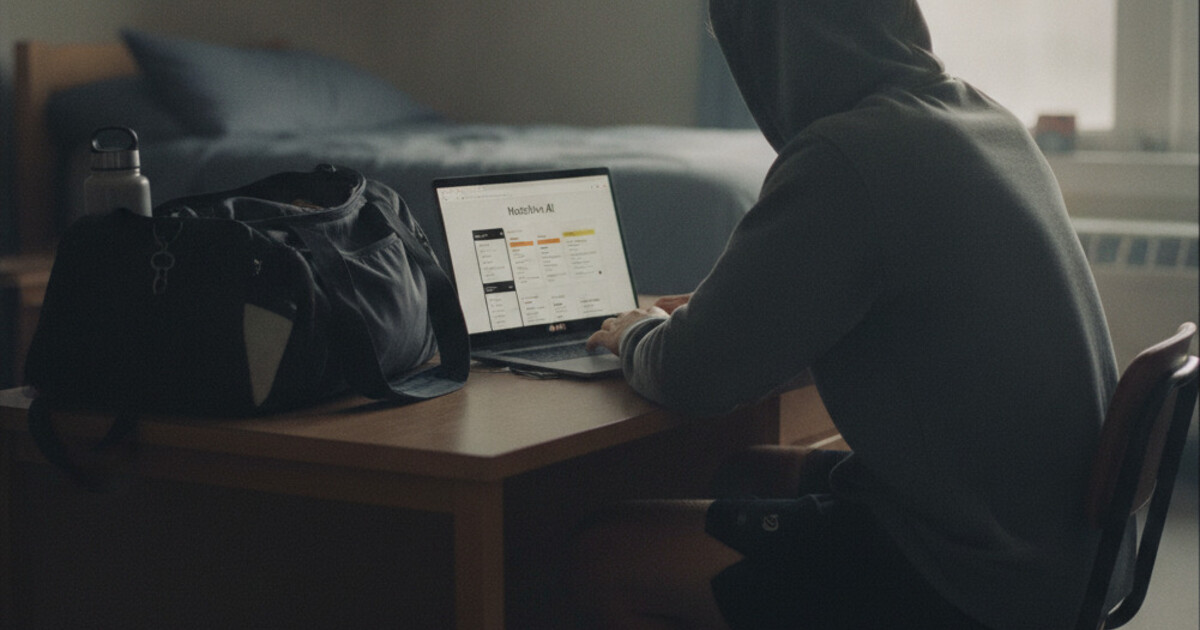
Best Note-Taking App for Student Athletes in 2026
Student athletes run a schedule most students can't picture. Morning conditioning before class. Afternoon practice from 2pm to 6pm. Film sessions, travel for away games, and meal plans built around training blocks. And somewhere in all of that, enough study time to pass a full course load.
Most student athletes take academics seriously. The real barrier is time compression. A non-athlete might spread studying across 5-6 hours of flexible time each day. An in-season athlete gets 90 minutes of that, split into two windows. The best note-taking app for student athletes matters more here than it does for almost any other student.
This guide covers the 5 best note-taking apps for student athletes in 2026, with a focus on tools that work within tight, fragmented schedules.
The best note-taking app for student athletes is NoteHive AI. It records lectures and converts them into organized notes, auto-generated flashcards, and a practice quiz in under 2 minutes. For athletes with 90 minutes to study each day, getting materials ready automatically means those windows go toward actual reviewing.
Why Student Athletes Need a Different Approach
Most note-taking advice works fine for students with open afternoons. Student athletes don't have open afternoons.
NCAA athletes average more than 30 hours per week on sport-related activities during the season, including practice, games, conditioning, film study, and travel. Athletes in travel-heavy sports miss 3-4 classes per week when the schedule heats up. Road trips pull out entire Thursdays and Fridays. Research from the NCAA and sports psychology literature consistently points to a few study patterns that hold up under this schedule: time-blocked sessions rather than extended evening study, audio review during transit and physical recovery, and active recall methods over passive rereading. A student athlete who rereads textbook pages during a 45-minute recovery window gets very little from it. The same athlete running a flashcard quiz or listening to an audio summary of that morning's lecture uses that window well. The gap between a 3.0 and a 3.4 GPA often comes down to what happens in those 30-45 minute windows between commitments. Apps that produce more friction add work at exactly the wrong time.
Any tool that requires you to manually format notes, build flashcards by hand, or convert recordings yourself is adding 30-40 minutes of prep after you get back from a 3-hour practice. The tools that help are the ones that do the downstream conversion automatically.
The 5 Best Note-Taking Apps for Student Athletes in 2026
1. NoteHive AI: Best Overall for Student Athletes
NoteHive AI covers the full study pipeline from a single recording. Tap record when class starts, and by the time afternoon practice ends you have organized notes, auto-generated flashcards, and a practice quiz ready to run.
The notes-to-podcast feature is the standout for athletes specifically. Convert your notes into audio and listen during a recovery bike, a team bus ride to an away game, or a warmup. Athletes have more "ears free" time than most students: physical activity doesn't compete with listening the way it competes with reading. That time would otherwise go to nothing academically. With a 15-minute audio summary of your afternoon lecture loaded, it becomes a review session.
The auto-flashcard generation saves the 30-40 minutes most students spend building cards manually after class. For an athlete who gets home at 7pm with 90 minutes before a reasonable bedtime, recovering that time per lecture across 5 courses adds up over a semester.
NoteHive supports 80+ languages, useful for international student athletes whose first language isn't English or whose courses involve foreign-language content. It works in any browser with no installation required. The free tier covers recording, note generation, flashcards, and quizzes with no credit card needed.
For auditory learners, which many athletes are given how much of their training is verbal instruction and film study, NoteHive's audio output is a natural fit. The study tips for auditory learners guide covers why audio review works especially well for people whose learning wiring runs through listening.
2. Otter AI: Best for Catching Up After Missed Classes
When you miss a Thursday lecture because the team bus left at noon, Otter AI handles a specific scenario well. A classmate can share their Otter recording, and you get a full, searchable transcript with speaker identification. You can keyword-search the full text to find the section on a specific topic without listening to the entire 75-minute class back-to-back.
Otter's transcript accuracy is strong for standard classroom settings. It handles multiple speakers reasonably well and timestamps every line, so you can jump to a specific moment.
The limitation is that a transcript is a raw record, not organized study material. Getting from an Otter transcript to flashcards and a practice quiz still requires manual work on the other end. For the catch-up use case specifically, Otter is a useful tool. For building ready-to-review study materials from your own recordings, something that continues further downstream saves more time.
3. Notability: Best for Diagram-Heavy Courses
Notability is built for the Apple Pencil. For courses requiring drawing, whether anatomy and kinesiology, chemistry structures, or X's and O's in a sports science or coaching program, handwriting with a stylus is faster and more precise than typing.
Notability lets you record audio while writing by hand. Tap any moment in your handwritten notes to hear what was being said at that point, which helps fill in context you wrote quickly during a fast lecture.
The requirements are real: Notability needs an iPad and Apple Pencil. There's no AI note generation, no automatic flashcards, and no quiz output. For courses with heavy visual content where drawing is genuinely the best way to capture material, it fills a gap the other apps on this list don't cover. For text-heavy lectures where the end goal is flashcards and self-testing, another tool handles that more efficiently.
4. Anki: Best for High-Volume Memorization Courses
Anki's spaced repetition algorithm is the most well-tested flashcard method available. For courses with dense factual content, anatomy terms, physiological mechanisms, history dates, economic models, Anki's review scheduling surfaces cards right before you'd otherwise forget them.
For athletes, the main appeal is flexibility. You can run an Anki deck on your phone for 10 minutes between warmup and team meetings. Small review windows add up across a week if you can actually use them.
The tradeoff is setup. Building Anki decks from scratch takes time you may not have. Pre-built decks exist for many standard university subjects and vary in quality. If your professor uses common course content, a usable deck probably exists. If they teach from their own slides, you're building cards manually, which brings back the time problem.
The spaced repetition vs active recall guide compares these methods directly if you're deciding how to structure your review sessions given limited time.
5. AudioPen: Best for Quick Voice Capture During Short Breaks
AudioPen records a voice note and converts it into a written summary. For athletes, the use case is capturing class key points during brief windows: the walk from class to the locker room, a few minutes between getting back from practice and eating dinner.
It handles one specific problem well: turning a 2-minute rambling voice note into a clean, organized paragraph. The summaries are coherent and usually accurate if you speak clearly.
Where AudioPen ends is where the study pipeline needs to continue. It doesn't generate flashcards, quizzes, or audio study output. If your study workflow needs those downstream outputs, AudioPen covers a narrow input step without completing the loop. It fits best as a capture tool for athletes who don't have time to open a full app between commitments.
How to Build a Study System Around a Practice Schedule
A few patterns that tend to work for in-season athletes:
Morning window (before early practice): Short review using flashcards or a quick quiz from yesterday's content. 15-20 minutes while eating breakfast. Tests retention from the previous day without requiring extended focus first thing.
Between class and practice: Record lectures during class and let NoteHive process them. Don't spend this window manually rebuilding notes.
Travel time: Audio review on bus rides and flights. A 90-minute bus ride to an away game can cover a lot of material if you've preloaded your phone with note summaries. This is time that's otherwise completely lost academically.
Post-practice study blocks: Use ready-to-review materials (organized notes, flashcards, quizzes) rather than spending the block prepping materials. That's where the automated pipeline pays off most visibly: you arrive at your desk with everything already built.
Catch-up sessions: For classes you missed during travel, coordinate with a classmate for recordings or notes before the next class, not after. The how to study for finals in one week guide covers intensive catch-up approaches when the end of season lines up with finals.
Frequently Asked Questions
What's the best free note-taking app for student athletes?
NoteHive AI has a free tier covering lecture recording, AI-organized notes, flashcard generation, and practice quizzes with no credit card required. It's the most complete free option for athletes because it produces ready-to-use study materials automatically rather than leaving the conversion work on your plate.
How do student athletes keep up with coursework during the season?
The most effective approach combines audio review during physical activity (commutes, recovery sessions, travel), active recall in short windows (flashcards and practice quizzes between commitments), and automated note prep so study blocks go toward reviewing rather than building materials. Apps that handle the full pipeline from recording to flashcards remove the biggest time sink from the study workflow.
Can I use NoteHive to catch up on classes I missed for away games?
NoteHive records lectures you attend in person. For classes you missed entirely, a classmate's recording or a professor-posted class recording can be processed if your course policies allow it. The most practical use for travel days is preloading audio summaries of recent lectures on your phone so bus rides and flights become review sessions.
Does NoteHive work on mobile for studying between classes?
Yes. NoteHive works in any browser including mobile. You can start a recording from your phone before class, then access your generated notes, flashcards, and quiz from any device whenever you have a window.
Student athletes don't have extra hours to spend building study materials from scratch. Start organizing your notes free at notehive.app — record a lecture and get AI-generated notes, flashcards, and a practice quiz in under 2 minutes.
Ready to transform your study sessions?
Start using NoteHive AI in your browser — turn your lectures into organized notes, flashcards, and quizzes. No download required.