
Best Note-Taking App for Dual Enrollment Students in 2026
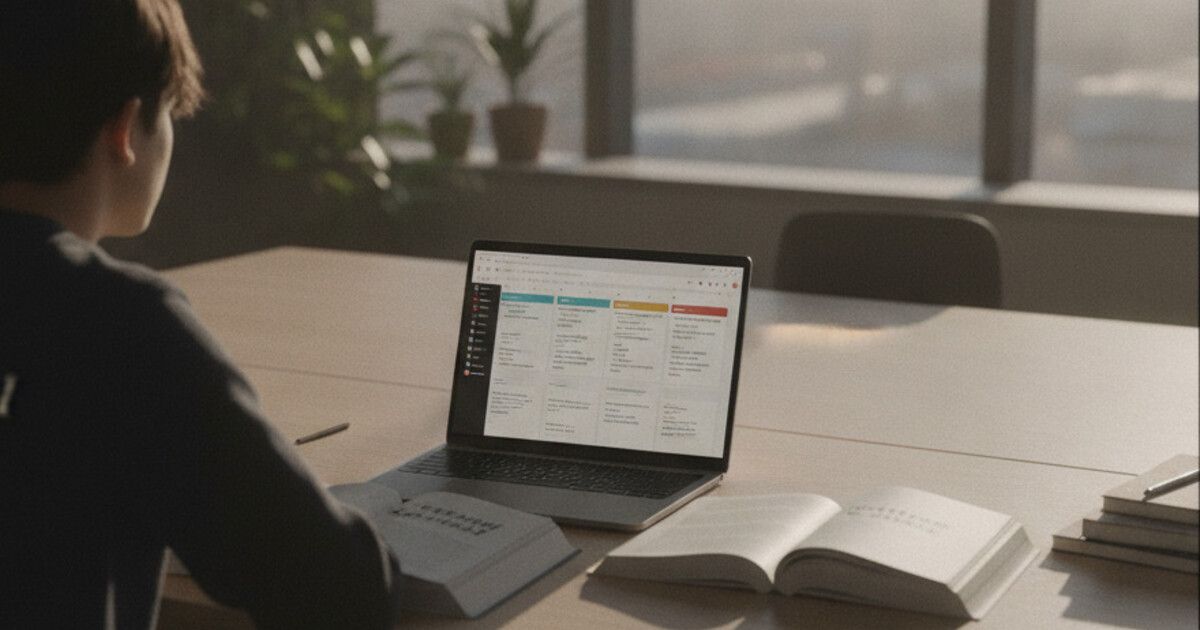
Best Note-Taking App for Dual Enrollment Students in 2026
Dual enrollment sounds like a win on paper. You're earning college credit while still in high school, building a head start before your peers even arrive on campus. But the reality hits fast: a high school chemistry quiz on Wednesday, a college economics lecture on Thursday, and neither instructor plans to slow down.
The study systems that got you through middle school don't carry over to college-level courses. Professors move through material at a pace that can feel relentless, and they don't recap what you missed. On top of that, you're switching academic environments sometimes multiple times in a single day. These 5 apps are picked specifically for that situation.
The best note-taking app for dual enrollment students is NoteHive AI. It records college lectures and converts them into organized notes, flashcards, and practice quizzes without any manual work after class. Students managing two academic environments in the same week get the most from tools that compress note-processing time rather than just store raw text.
Why Dual Enrollment Note-Taking Is Harder Than It Looks
College instructors assume you know how to keep up. A 75-minute lecture can cover ground that a high school class might take a full week to work through. Dual enrollment students often end up copying words they don't fully understand yet, which produces pages of notes that feel useless come exam time.
The context-switching adds another layer. You might finish your high school day at 2pm, commute to campus for a 4pm college lecture, then come home to study for both environments with whatever energy you have left. Most students arrive home with audio recordings they haven't processed and notes they can't actually study from. A good app closes that gap before it grows.
According to the National Center for Education Statistics, roughly 1.4 million U.S. high school students participated in dual enrollment programs in 2022-23, a 35% increase from a decade earlier. Research from the Community College Research Center shows dual enrollment participants are 10-15% more likely to complete a bachelor's degree than peers who didn't participate. But that advantage depends on students keeping up with college-level coursework while also maintaining their high school GPA. A 2021 NASPA survey found that time management was the top reported challenge for dual enrollment students, ranking ahead of academic difficulty. Processing pace is the real constraint, not raw volume. Dual enrollment students who spend their evenings rewriting class notes by hand are spending time that could go toward active review. Apps that automate the note-to-study-material conversion address the biggest workflow gap this population faces in their first college classrooms.
5 Best Note-Taking Apps for Dual Enrollment Students in 2026
These picks cover the full range of what dual enrollment students actually need: lecture capture, organized review materials, and tools that work equally well in a high school history class and a college biology course.
1. NoteHive AI: Best Overall for Dual Enrollment
NoteHive AI is built for the specific workflow dual enrollment students need. You record a college lecture, and the app generates structured notes, flashcards, and a practice quiz from the audio automatically. That's the entire post-lecture processing pipeline handled before you even sit down at your desk.
The web app at notehive.app works on any browser, so it doesn't matter if your high school restricts app installs on school-managed devices. The 80+ language support is useful for international students and for language courses where lectures include material in multiple languages. And because NoteHive is university-compliant (it supports learning, not shortcuts around it), you can use it without any concern about academic integrity policies.
The free tier covers the core features. Premium unlocks unlimited recordings.
Best for: College-level lectures and any course with dense material to review
Pricing: Free to start at notehive.app/onboarding; premium available
2. Otter AI: Best for Transcription Accuracy
Otter AI focuses on real-time transcription. It captures what's being said in a lecture and produces a searchable text transcript. You can highlight sections, add comments, and revisit specific moments in the recording.
The limitation is that Otter stops at transcript. You still get a wall of text that needs manual processing before it's useful for studying. For dual enrollment students who want the full pipeline (notes, flashcards, quiz) handled automatically, Otter covers only part of the job.
Best for: Capturing verbatim lecture content when you have time to process it yourself
Pricing: Free tier available; Pro plans start around $16.99/month
3. Notability: Best for Handwritten Notes
Notability combines audio recording with handwritten and typed notes in one interface. You write by hand on a tablet, and the app syncs your notes to the audio timestamp automatically. Tap anything you wrote at minute 14, and it plays back exactly what the professor was saying at that moment.
The catch: it requires an iPad and stylus to get full value, which adds upfront cost. Notability also doesn't generate AI study materials, so you still build your own flashcards and quizzes from scratch.
Best for: Students with an iPad who take handwritten notes and want audio sync
Pricing: One-time purchase around $14.99; subscription options available
4. Anki: Best for Spaced Repetition
Anki is a flashcard app built around spaced repetition, the most research-backed memorization method for college-level content. It's free on Android and web, with a one-time purchase of $24.99 on iOS.
The tradeoff is friction. Anki doesn't create cards for you. Every deck gets built manually, which can take hours for a dual enrollment student already stretched across two academic tracks. Anki pairs well with NoteHive if you want to take AI-generated flashcards into a dedicated spaced repetition system, but it's not a standalone note-taking solution.
Best for: Students who have time to build flashcard decks and want long-term retention
Pricing: Free (Android/web); $24.99 one-time on iOS
5. Google Keep: Best Free Option for Quick Capture
Google Keep is simple, free, and already familiar to most high schoolers who've used Google Classroom. You can create notes, checklists, and voice memos, and it syncs across every device immediately.
For actual college-level lecture notes or exam prep, it falls short. There's no audio transcription, no flashcard generation, no quiz functionality. Google Keep works best as a supplement for quick to-dos and reminders rather than a primary study tool.
Best for: Capturing quick notes, deadlines, and reminders between classes
Pricing: Free
How NoteHive AI Fits the Dual Enrollment Workflow
The standard dual enrollment day often looks like this: high school classes in the morning, a college lecture in the afternoon, and homework from both environments in the evening. Most students arrive home with audio they haven't processed and notes that aren't ready to study from.
NoteHive fits that gap. Record the college lecture on the way in. Within minutes of finishing, the app produces organized notes with key concepts pulled to the top. From those notes, it builds flashcards you can review on your commute home and a practice quiz you can run through before bed. The notes-to-podcast feature converts the material into audio, so you can review during a commute, while working out, or any other time you're not free to read.
For high school work, the same pipeline applies. Record a teacher's explanation of a complex concept, get notes and flashcards without spending the evening rewriting them by hand. In a content-heavy course like AP US History or AP Biology, the automatic flashcard feature covers terms, events, and definitions without requiring you to build decks from scratch.
Because NoteHive is browser-based, you don't need to install anything on a school computer. Open a browser tab, log in, and you're ready. Students who've already explored note-taking tools for high school often find that NoteHive carries over well to the college side without needing a second app. For a broader comparison of tools used in college settings, see the best note-taking apps for college lectures.
Frequently Asked Questions
Can I use these apps in both my high school and college classes?
Most of these apps work in any classroom, but check your school's recording policy before capturing lectures. NoteHive, Google Keep, Anki, and Notability all run on personal devices without needing school network permissions. Recording is generally allowed in college courses with proper disclosure; high school policies vary by district.
Which app is best if I'm on a tight budget?
NoteHive's free tier covers recording, note generation, and flashcards. Anki is free on Android and web. Google Keep is completely free. Those three together cover nearly everything a dual enrollment student needs without a monthly cost.
Do these apps work for both STEM and humanities courses?
Yes. NoteHive handles audio from any subject, whether that's biology, economics, literature, or history. The flashcard and quiz generation pulls directly from whatever was recorded. Anki is especially useful for memorization-heavy STEM courses where terminology volume is high.
Will using AI note tools affect my academic integrity standing?
NoteHive is university-compliant by design. It turns your own lecture recordings into study materials. That's the same function as reviewing a recording yourself or working with a tutor, and it falls within every major institution's honor code.
Should I use one app for high school and a different one for my college course?
You don't need to split tools. NoteHive handles both environments, so your high school and college notes stay in one place. Fewer apps means less friction between classes, which matters when you're managing two schedules at once.
Dual enrollment is a head start, not a burden, when your workflow can actually keep up with the pace. Start organizing your notes free at NoteHive and run your next college lecture through the full pipeline: organized notes, flashcards, and a practice quiz ready before your next class session.
Ready to transform your study sessions?
Start using NoteHive AI in your browser — turn your lectures into organized notes, flashcards, and quizzes. No download required.